Order queues
From order to hand-over, on rails.
Every order moves through your counter on a fixed rail — pay first, pay at pickup, or pay at the end. Choose the rail per queue; the board, the kitchen, and the pickup screen follow it automatically.
Placed
Preparing
Ready
Flow Studio
Pick the rail. We handle the rest.
Every ORDERING queue runs one of three payment flows. Switch anytime — it applies to new orders immediately.
Customers order → pay at the counter → kitchen prepares → pick up when ready.
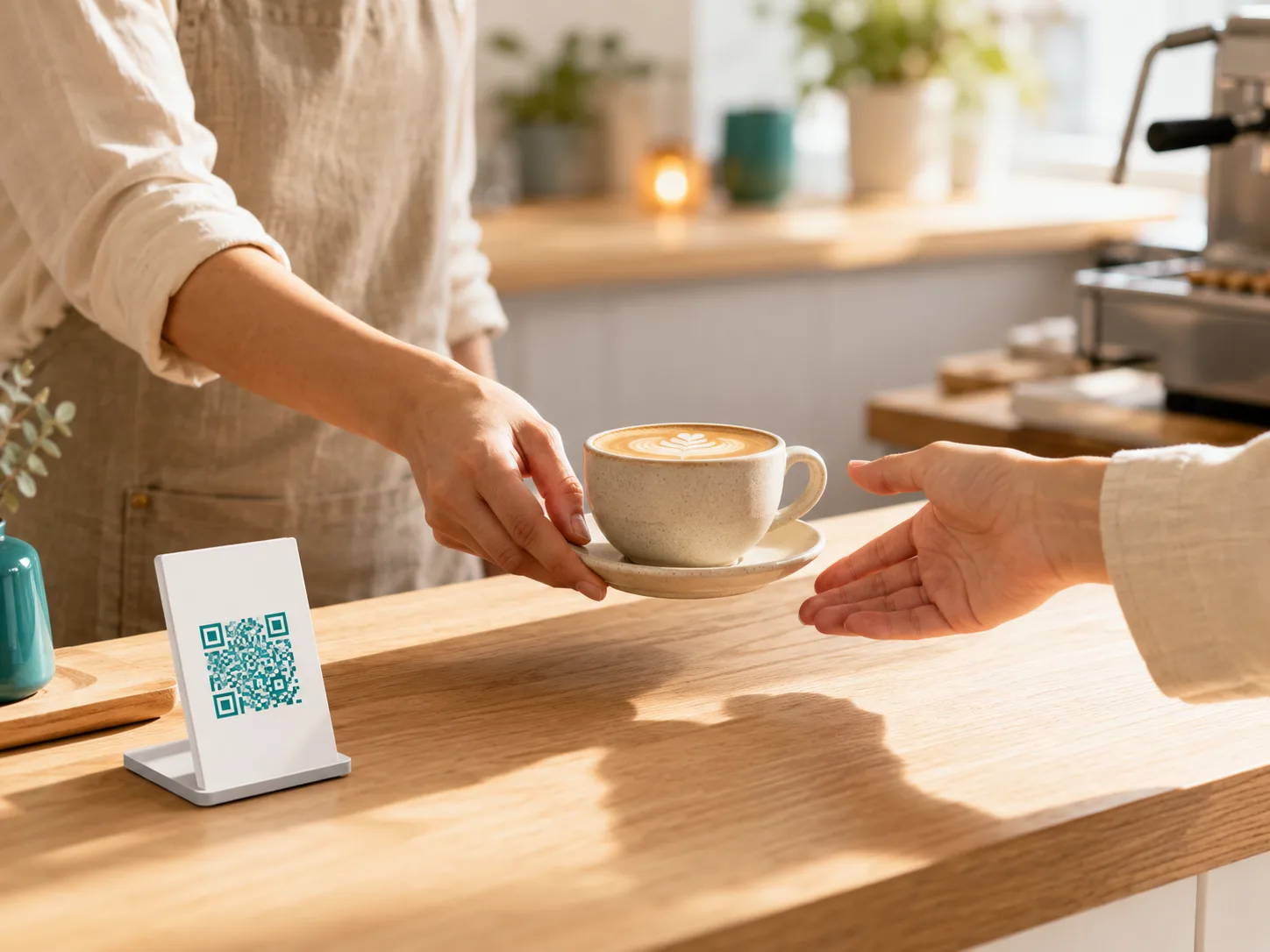
Pay first
Fastest at the tillCounter service
Best for cafés, food trucks, and pharmacies — order, pay at the counter, then collect.
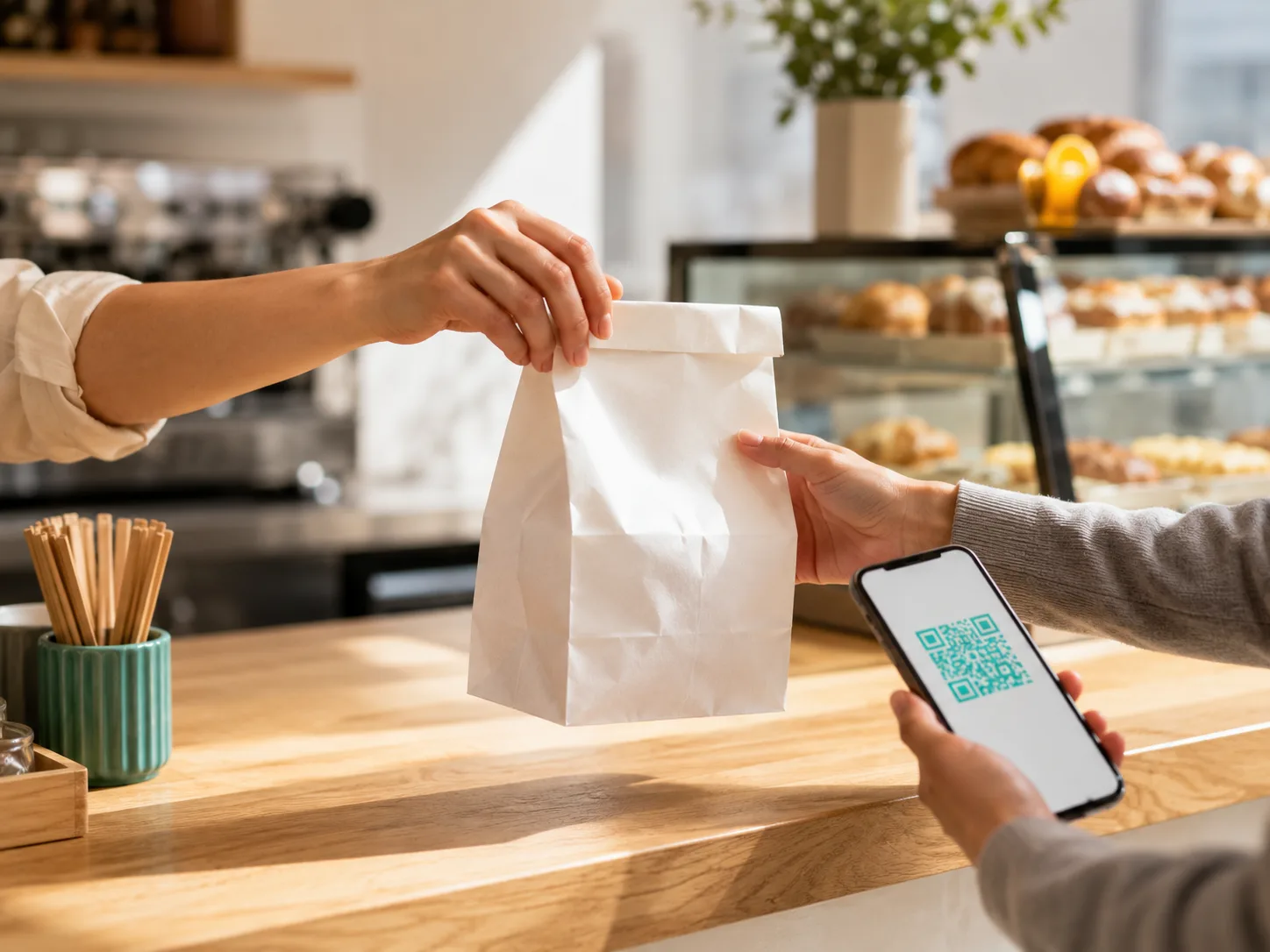
Pay at pickup
One scan, handed overGrab & go
Best for bakeries and espresso bars — the kitchen starts the moment they order.
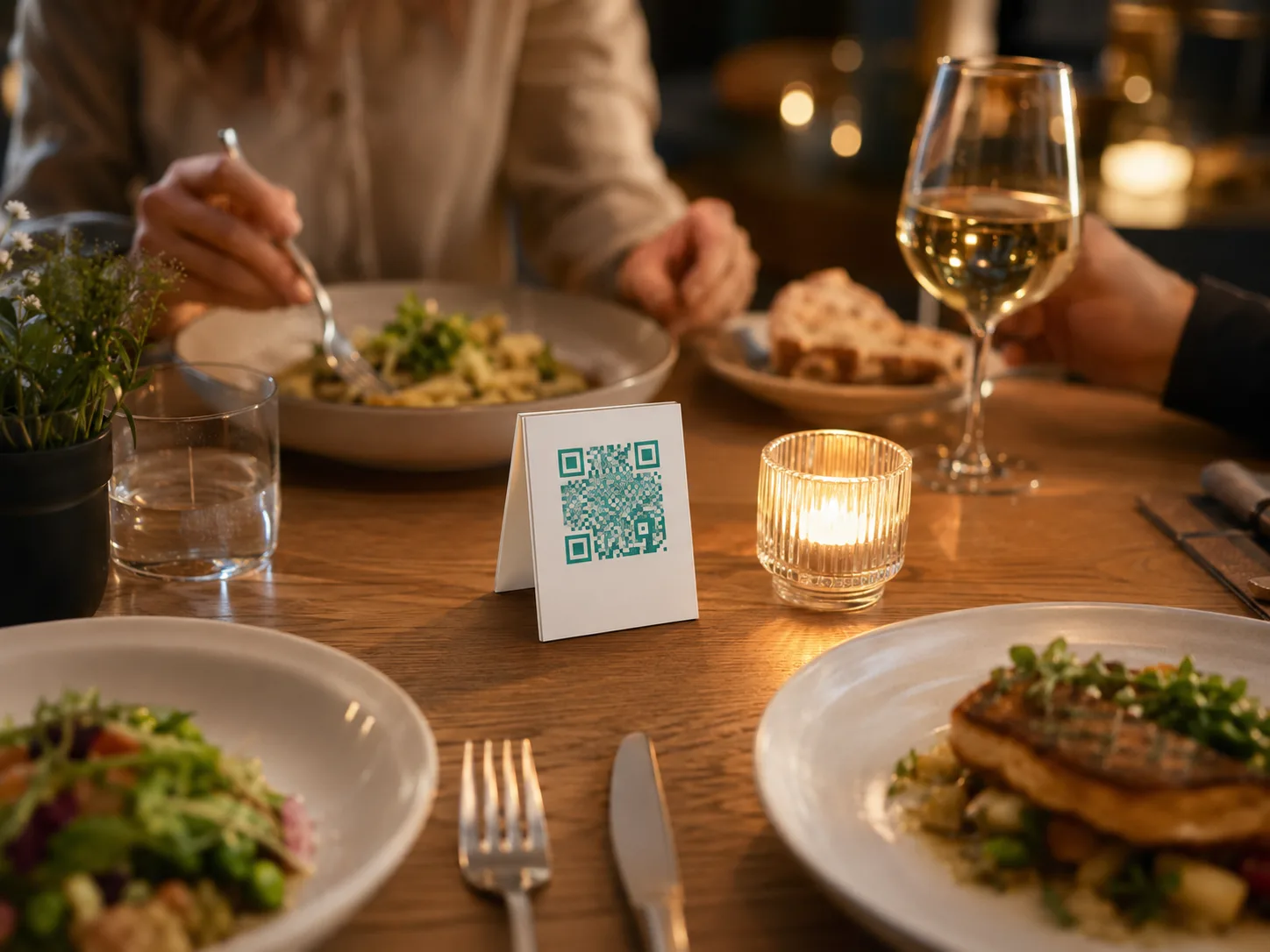
Pay at the end
One tab per tableTable service
Best for dine-in restaurants and pubs — served at the table, settled at the end.
Three stations
One order, three screens, zero shouting.
The cashier board, the kitchen display, and the pickup rail all read the same order in real time.
Placed
Preparing
Ready
Cashier — a shared, real-time kanban. Any cashier can claim any order; a presence strip shows who's already on it.
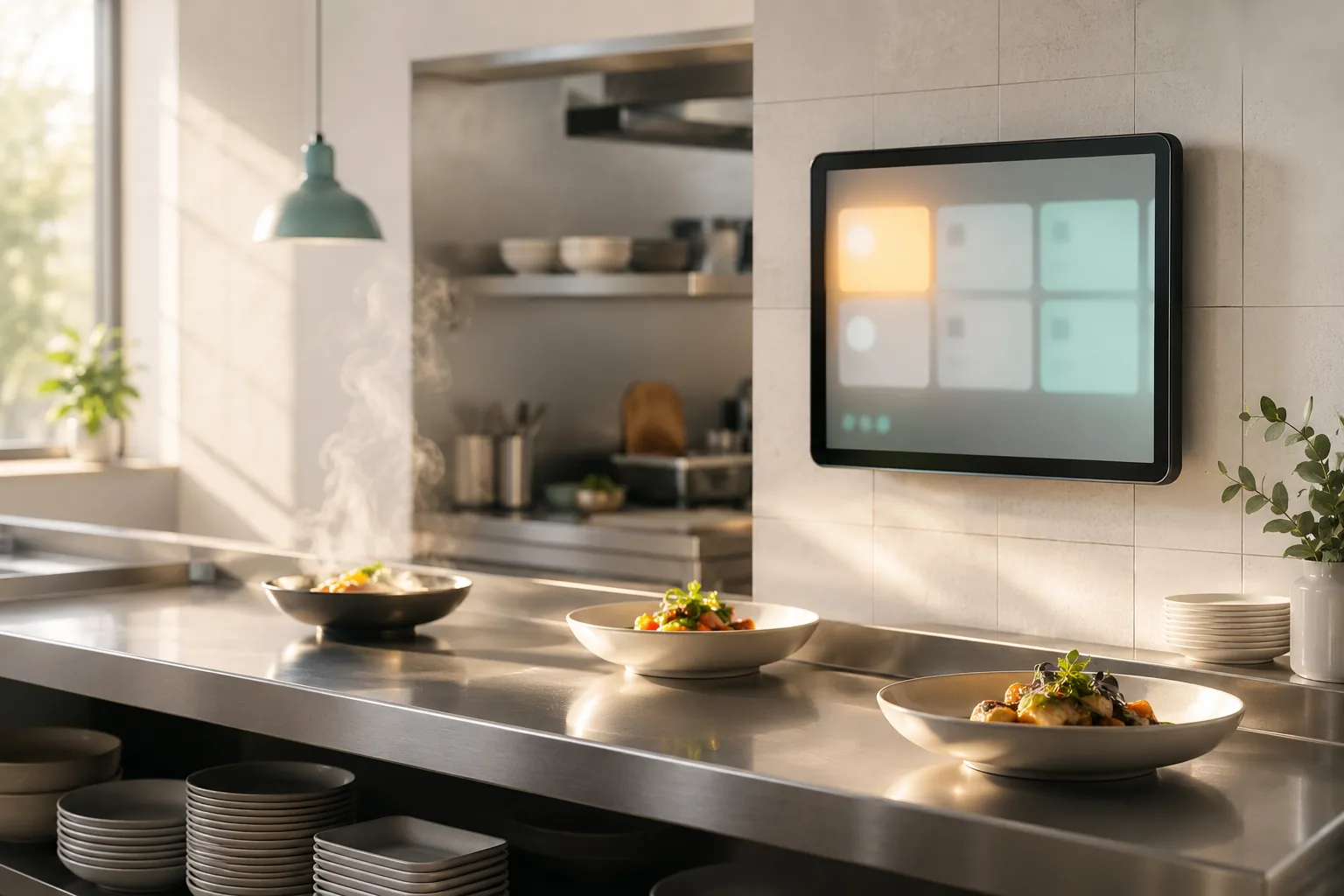
Kitchen — big cards, a ticket-age timer, and a stale bar past five minutes. A two-tone chime, and batch mark-ready.
Pickup — a compact rail on the counter, or its own full screen by the door.
One QR, start to finish
One scan finds the order.
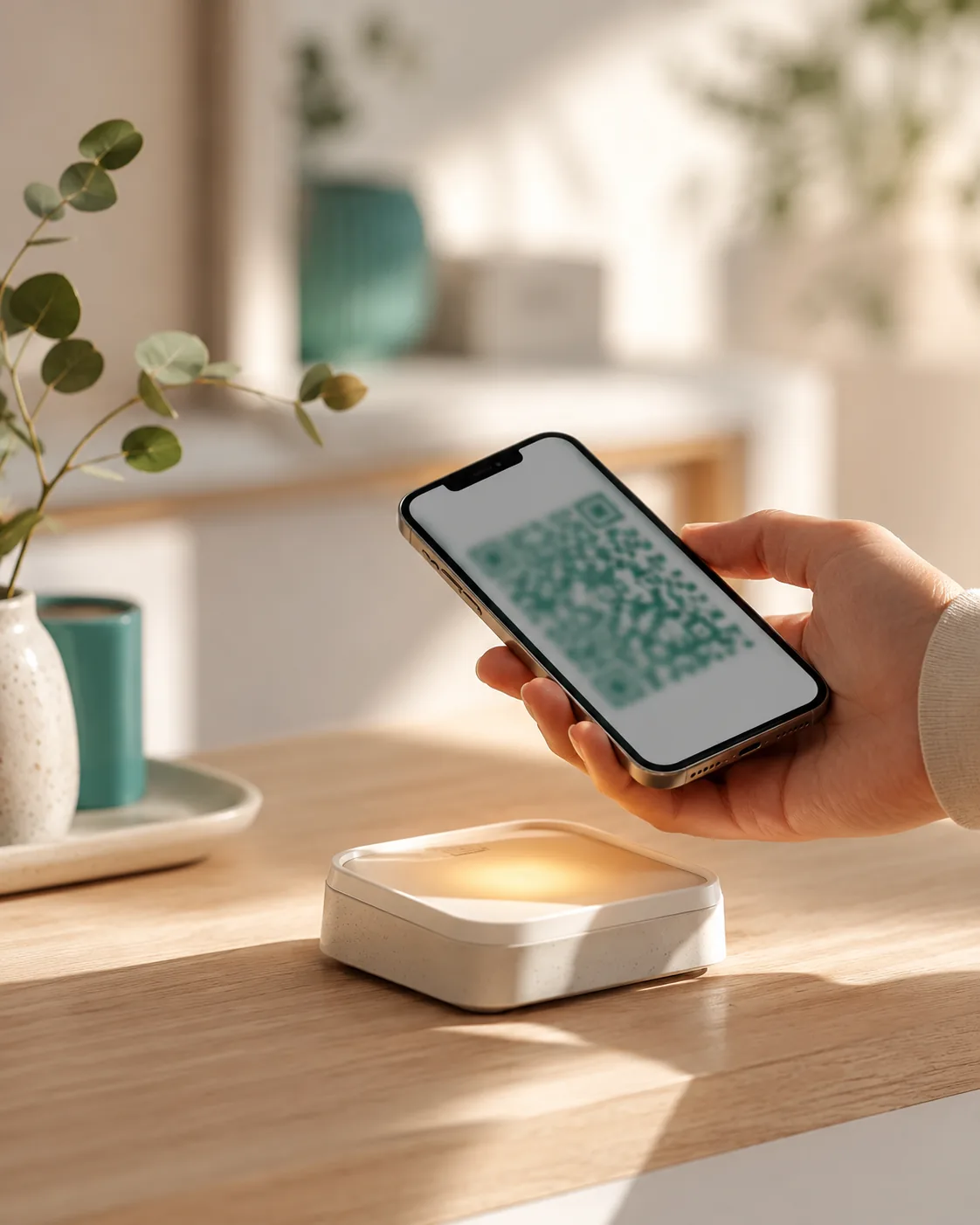
Every order gets one QR the moment it's placed. The customer shows it, you scan it, and the exact order opens at the counter — take payment on your own card machine or in cash, tap confirm, done. The same code carries the order through called, paid, and picked up — no reprinting.
Honest about no-shows.
If a customer misses the call, the order holds for a configurable window — 30 minutes by default — before it's marked no-show. "Revive & charge" brings it straight back to life if they show up late.
No camera? A 6-character code keypad works everywhere the scanner does.
Pausing, honestly
Pause without lying to your customers.
Ten minutes of silent pause quietly nudges your staff — nobody gets forgotten.
Either way, waiting customers see an honest "Back in a moment" — never a fake ready state.
Hold calling
Keep taking orders; just pause calling customers forward.
Pause everything
Stop taking new orders entirely.
Built for a rush
Every cashier sees the same line. Nobody serves the same order twice.
Orders sit in one shared pool. Claims are atomic on the server — if two cashiers tap the same order at once, exactly one wins, and the other gets a friendly heads-up, not an error. A presence strip shows who has what open, in real time.
Batch the rush, on your terms.
Set a batch size and a timeout — orders promote to the kitchen together, whichever comes first. Auto-start preparing, or hold every order for an explicit staff tap (pharmacies verify before they fill).
Start from a template built for your counter.
Eleven ready-made ORDERING templates, each pre-configured with the right flow, batching, and a starter menu.
Questions
Frequently asked questions
Do customers need to install an app?
No. They scan a QR with their phone camera, and the order page opens in the browser — no download, no account required.
What happens if a customer misses their call?
The order holds in a no-show window (30 minutes by default, and you can change it) instead of vanishing. If they show up late, "Revive & charge" brings it straight back to an active order.
Can I change the payment flow later?
Yes. Flow Studio applies to new orders immediately — nothing needs republishing, and orders already in progress finish on the flow they started on.
Does it still work on slow wifi?
The board, kitchen, and pickup screens all recover automatically over a shaky connection — orders reconcile the moment the connection returns, so nobody double-serves or loses a ticket.
Can more than one cashier work the same queue?
Yes — that's the default. Claims are atomic, so two cashiers can never end up serving the same order.
What hardware do I need?
A phone or tablet for the counter and one for the kitchen — the browser is the app. No proprietary terminals, no ordering kiosks.
What languages does the ordering experience support?
English and German today, with more on the way — the customer-facing order flow and your dashboard both switch with one tap.
Ready when you are
Bring your counter online.
Free to start, no card required. Pick a flow, add your menu, and you're live.