
Table ordering
Your tables can take orders.
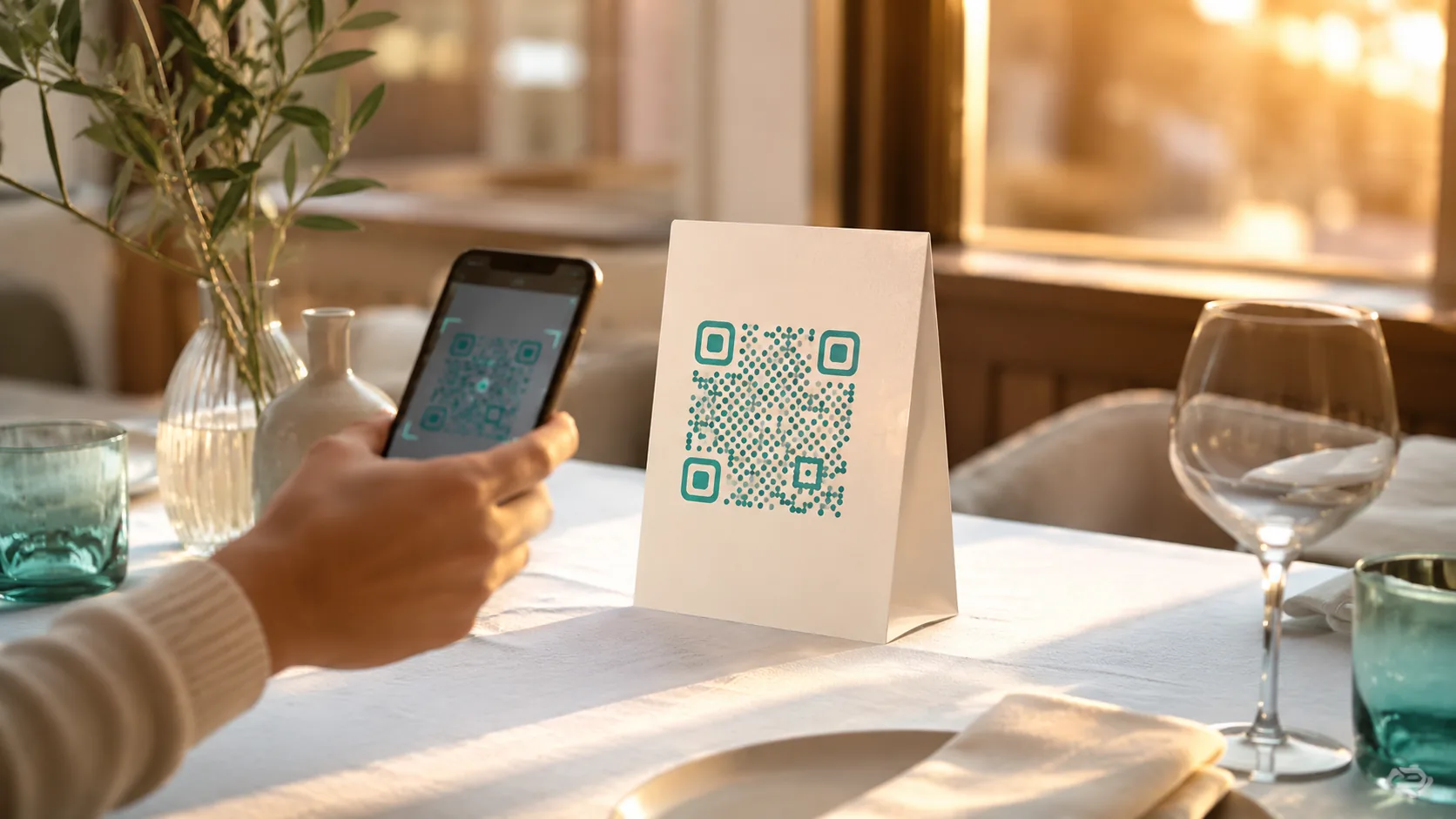
Scan at the seat, the kitchen fires the ticket, and one scan at the counter pulls up the whole tab — settle it by card or cash.
How a table order runs
One tab, four moments.
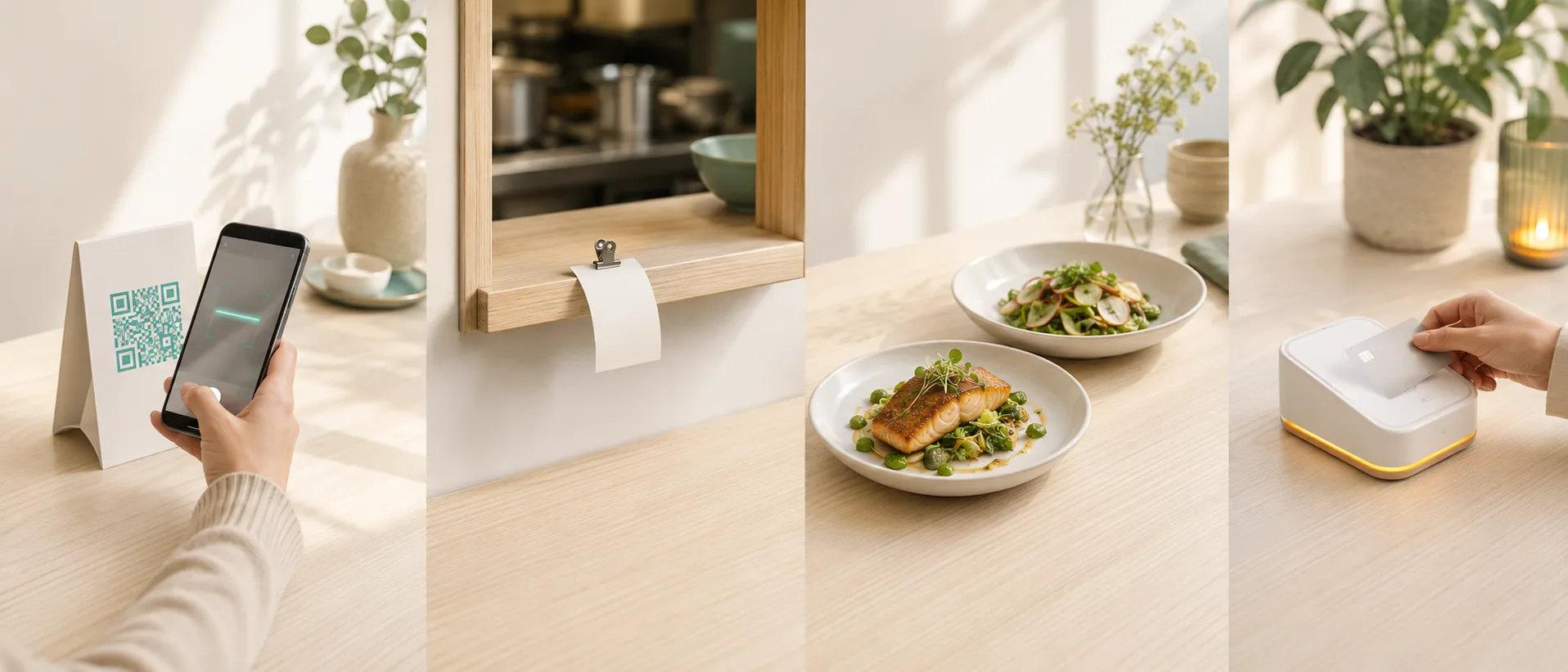
Scan at the seat
Guests order straight from the table tent — no waiting to flag someone down.
Kitchen fires
The ticket hits the kitchen the moment it's placed. Nobody's paid yet — and that's fine; the unpaid ticket is visible the whole time.
Served
Food's out. The table can keep ordering rounds if it wants to.
One scan pulls up the tab
A single counter scan brings up everything the table ordered — take payment your way and mark it settled.
60 seconds, not a laminator
Print a QR for every table in 60 seconds.
Generate a print sheet straight from the dashboard — up to 200 tables at once. Each card carries its own table number; nothing to laminate, nothing to design by hand.
Menus change any time — the QR always points at whatever's live, so nothing needs reprinting.
Up to 200 tables per print run. Edit or reprint any table's label whenever your floor plan changes.
What your team sees
The table rides the whole order.
T7
Readable from six feet, every ticket.
Preparing
Served — awaiting payment
Walk-outs stay honest.
If a table leaves without paying, staff cancel the order with a walk-out reason — honest bookkeeping, not a silent delete. Customers can't self-cancel once they've been served; that decision stays with staff.
Works when things go wrong.
Stale QRs never break.
A printed table QR is only ever a shortcut — the registry behind it is a printing convenience, never checked on the live order path. An old sheet from before your last reprint still works.
Labels are editable, any time.
Wrong table, moved seats, merged tabs — staff can edit or clear a table label without touching the order itself.
No-shows can still be revived.
Even at a pay-at-end table, a stale ticket can be brought back to life instead of written off.
Built for how you seat people.
Dine-in Café, Casual Dining, and Pub & taproom — each pre-configured for table service.
Questions
Frequently asked questions
Does the customer pay per item or for the whole tab?
The whole tab. Orders placed from a table accumulate against one bill; a single scan at the counter brings up everything the table ordered, so staff take payment in one pass.
Do I need to reprint QRs when the menu changes?
No. The QR always points at whatever menu is live — change your menu as often as you like, and every printed table tent keeps working.
What if a customer scans the wrong table's QR?
Staff can edit or clear the table label on any active order from the dashboard — a wrong scan is a two-second fix, not a lost order.
Do table QRs expire?
Never. A table's registry entry is a printing convenience, not a validity check — an old printed sheet keeps working indefinitely.
Can a customer cancel their own order once it's been served?
No — once a table's food is served, cancellation is a staff action (with a walk-out reason if needed), not a customer one. That keeps the tab honest.
Ready for the floor
Print your first table QR today.
Free to start — set up a dine-in queue, print the sheet, and your tables are live.