Walk-in queues
The line, without the standing.
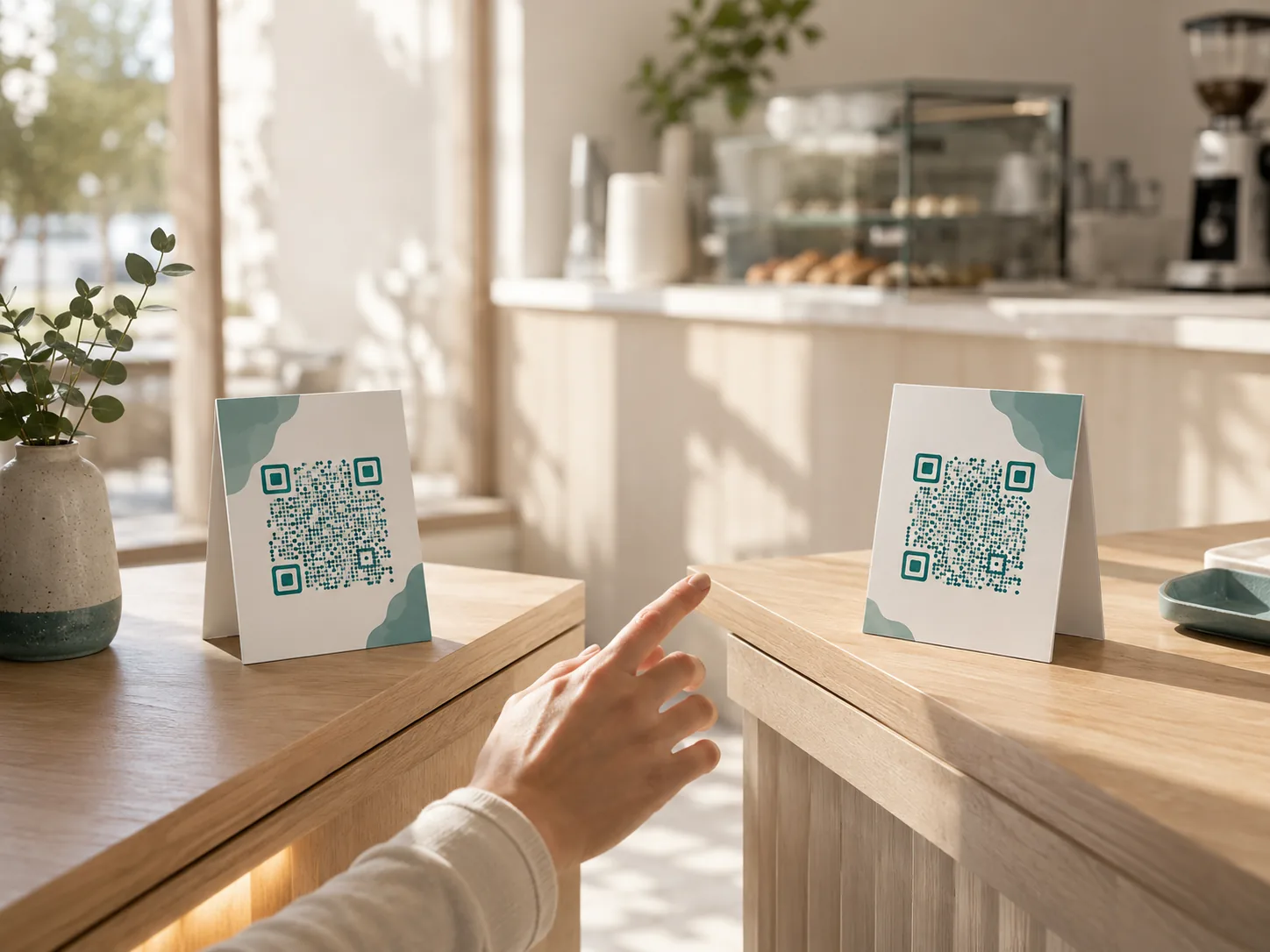
Customers scan a QR, join from their phone, and watch their live position and ETA update in real time — no app, no ticket machine, no standing in place.
Join in one scan
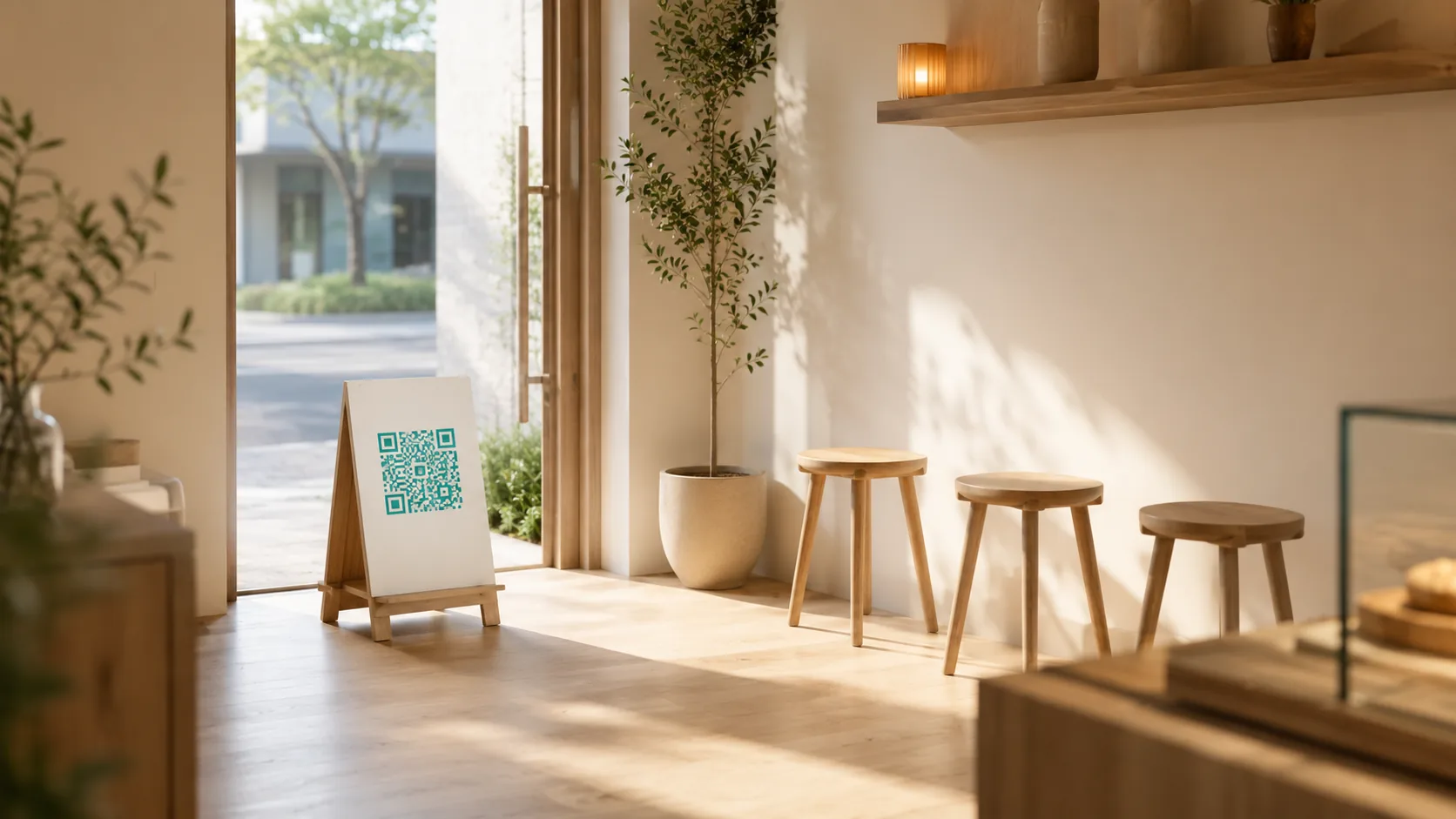
They scan. They're in line. That's it.
A QR at the door opens the join page in the browser — no app to install, no account to create. From there, customers see their live position and an estimated wait, updating in real time.
A live position card — your customer's view while they wait.
The moment that matters
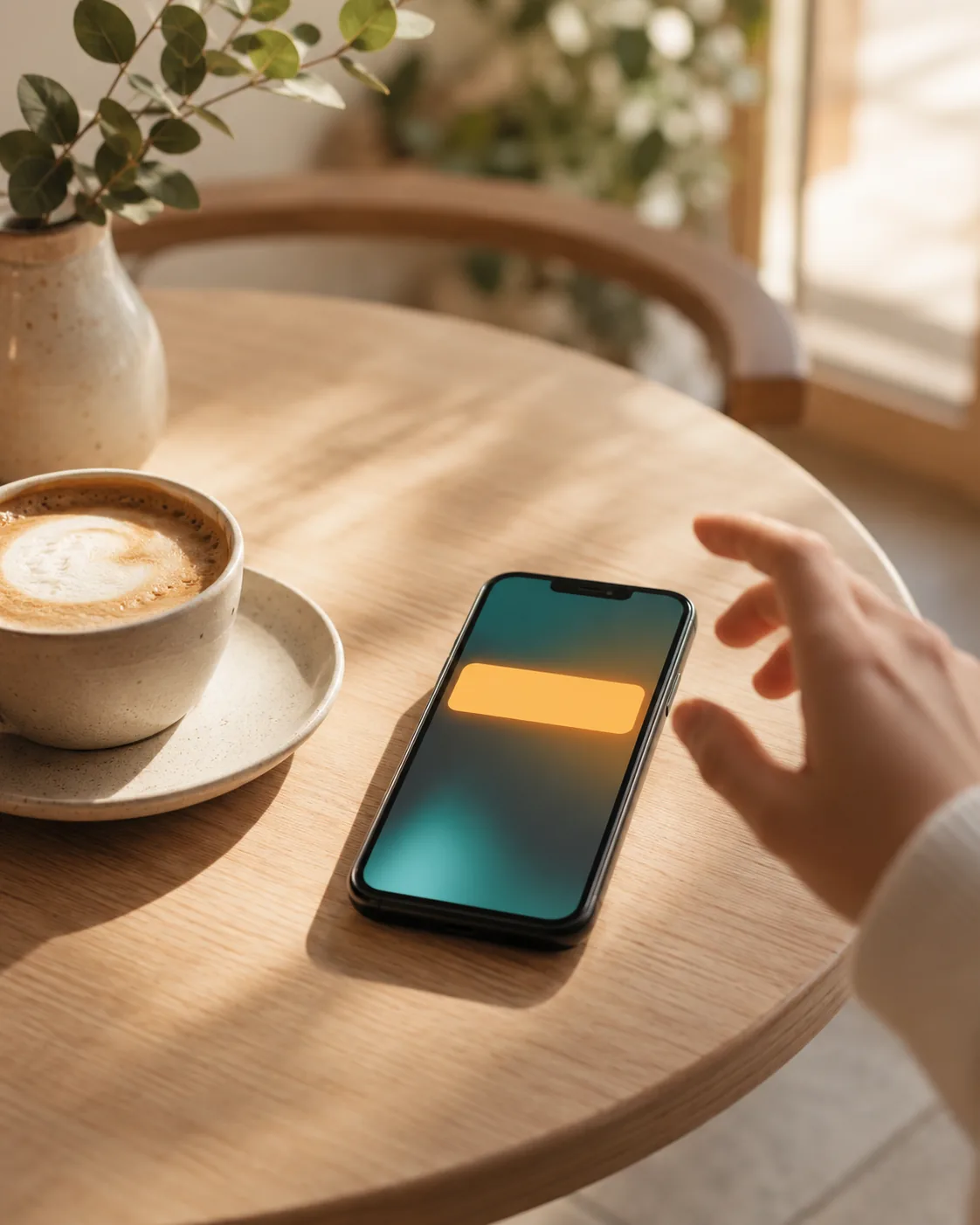
They don't have to watch the screen.
A push notification finds them wherever they are — a nearby table, a walk outside — the moment they're called. No refreshing, no missed calls.
On iPhone, one "Add to Home Screen" prompt turns on push — a normal step in the join flow, not a separate app download.
However your counter works
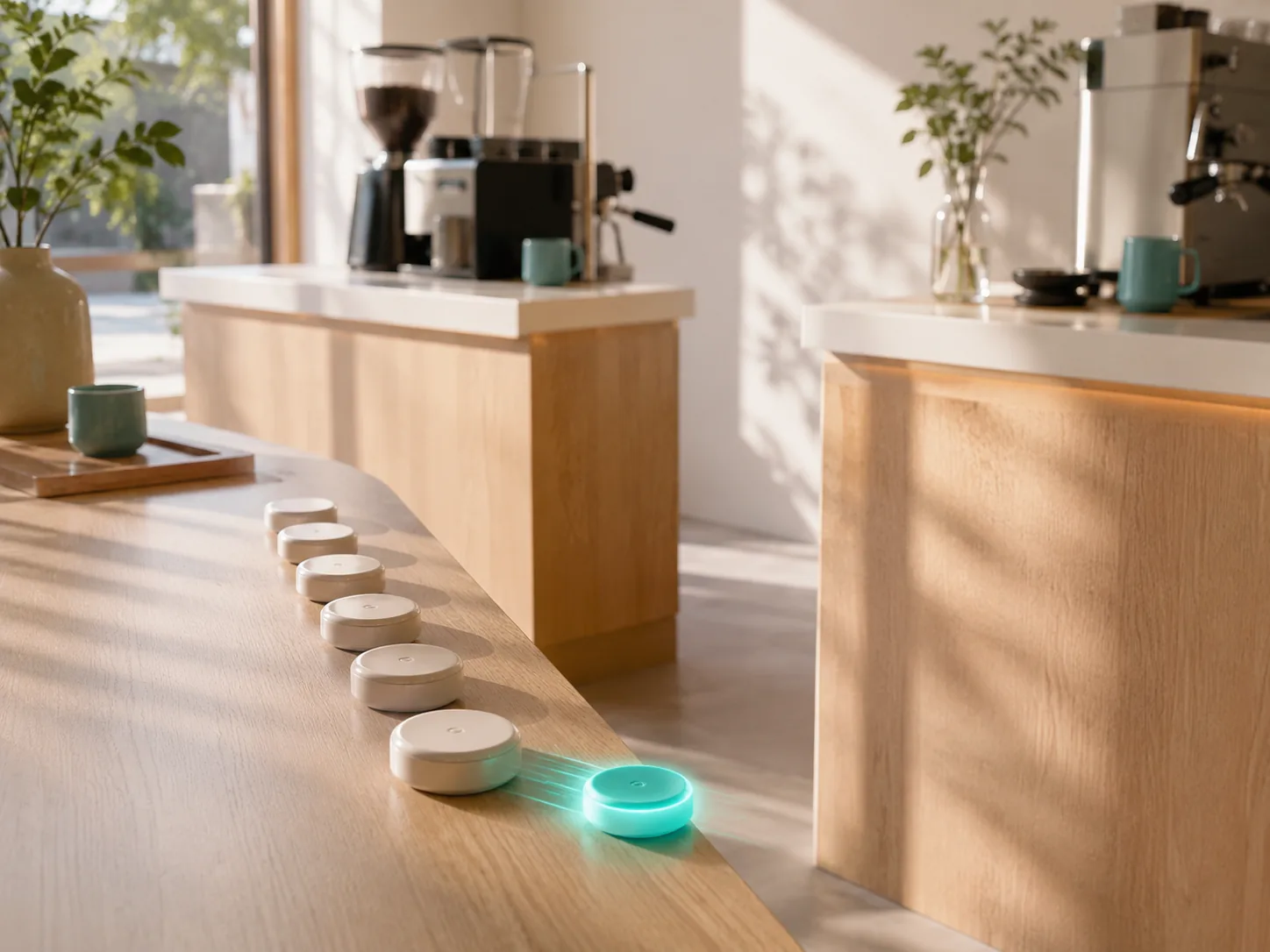
One line, or several — your call.
Run one shared line that auto-pulls the next customer to whichever counter frees up first, or let customers choose a named counter themselves. Switch modes any time.
COUNTER MODE
DefaultAuto-pull
The next customer in line is called to whichever counter opens up first — nobody has to guess which line is shortest.
COUNTER MODE
Customer picks
Customers choose their counter when they join — useful when counters serve different things.
Need to step away without lying about it?
Honest Pause holds the line steady — either quietly, or by stopping new joins entirely — with the same honest, customer-facing copy across every queue.
See Honest PauseMissed calls, not lost customers
A missed call isn't the end of the line.
If a customer doesn't answer their call, the queue holds them in a no-show window instead of dropping them. Staff can revive a no-show and bring them straight back into the line if they turn up late.
On the roadmap
What's coming next.
- Coming soonParty-size waitlist — join as a group, get called as a group.
- Coming soonPriority lanes — a faster line for the customers who need it.
- Coming soonService routing — different lines, auto-sorted by what a customer needs.
- Coming soonBig-screen display board — the call list, up on a screen by the door.
Questions
Frequently asked questions
Do customers need to install an app?
No. They scan a QR with their phone camera and join from the browser — no download, no account required.
What if a customer doesn't have a smartphone?
Staff can add a walk-in from the dashboard on the customer's behalf. A phone isn't required to join the line — only to get the live position and push updates.
What happens to no-shows?
A missed call holds in a no-show window instead of dropping the customer from the line. Staff can revive a no-show and bring them straight back in if they turn up late.
Can I run multiple counters on one queue?
Yes. Auto-pull sends the next customer to whichever counter opens up first, or let customers choose a named counter themselves when they join.
Does this work alongside appointments?
Yes. A queue can take walk-ins and booked appointments side by side, with walk-ins filling the gaps between slots.
Ready when you are
Put a QR at your door.
Free to start, no card required. Set up a walk-in queue in minutes.