
Appointments
Bookings and walk-ins, one queue.
Customers book a slot ahead of time, or scan and join on the spot — both run through the same queue, the same dashboard, the same staff view.

Book ahead
A QR that opens straight to booking.
The /book QR code skips the line entirely — customers pick an open slot and get a confirmed time, no call and no back-and-forth.
/book/{code}
Fair, by design
Walk-ins fill the gaps. Nobody gets skipped.
Booked slots hold their place; walk-ins interleave fairly into the gaps between them, so a queue can run both at once without either side feeling short-changed.
One QR, two choices
Let the customer choose, right there.
Print whichever QR fits your counter — walk-in only, appointment only, or both together on one options page.
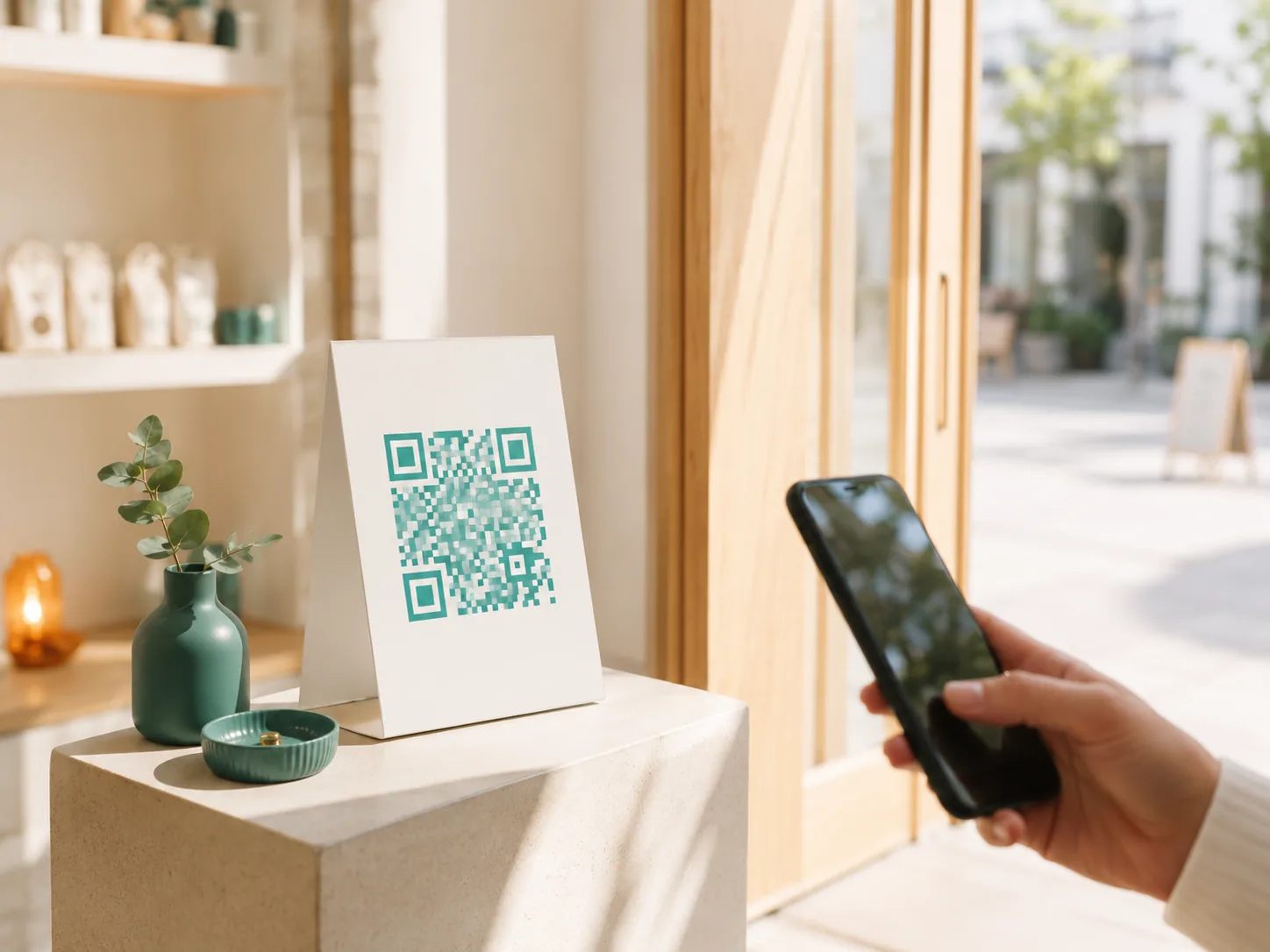
QR TYPE
Join
Straight into the walk-in line, no booking step.
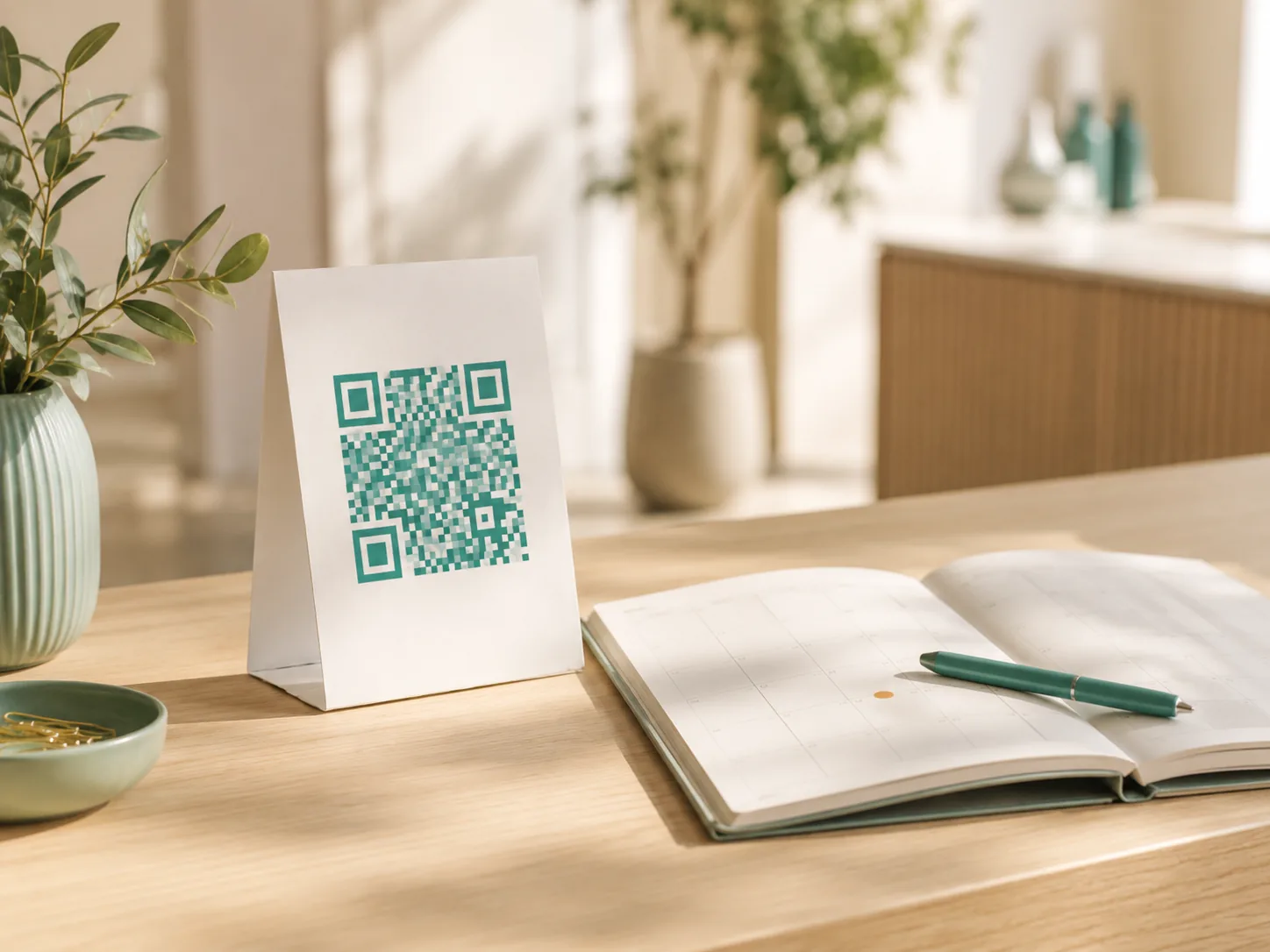
QR TYPE
Book
Straight to the calendar, no line to join.
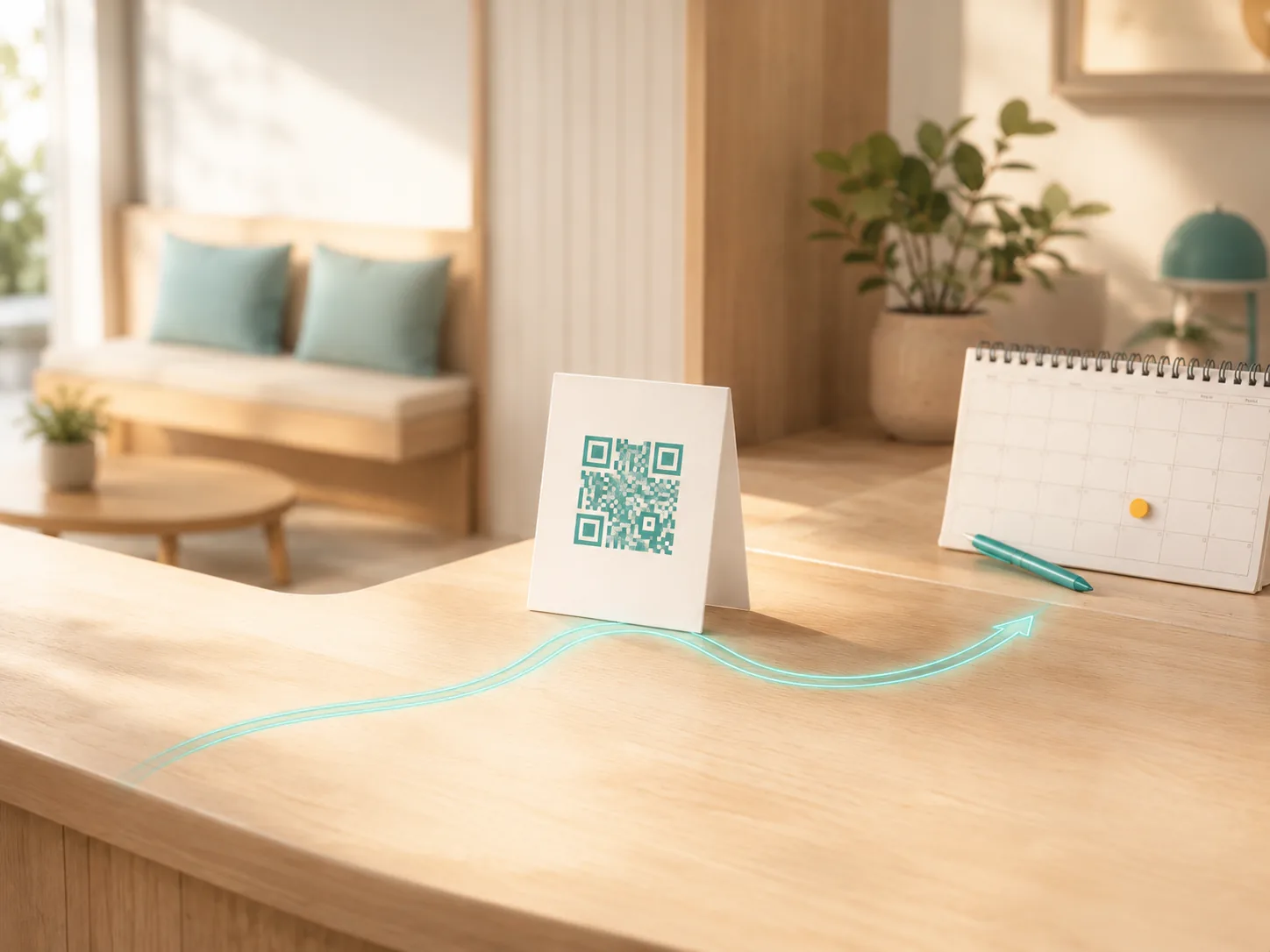
QR TYPE
Both
An options page — the customer picks either, on the spot.
A few minutes, forgiven
A late arrival doesn't cost the slot.
Every booking carries a grace period, and staff can convert a booking and a walk-in into each other, in either direction, any time.
GRACE PERIODS
Grace periods
A configurable window after the booked time still holds the slot — a few minutes late isn't a missed appointment.
GRACE PERIODS
Convert either way
Turn a walk-in into a booked appointment, or a booking into an active walk-in, straight from the dashboard.
Questions
Frequently asked questions
Can I take both walk-ins and bookings on the same queue?
Yes — that's the default for a hybrid queue. Booked slots hold their place; walk-ins fill the gaps between them.
What happens when someone's late for their appointment?
Every booking has a grace period, so a few minutes late doesn't forfeit the slot. Staff can extend it further, or convert the booking to a walk-in if needed.
Can staff book an appointment for a customer?
Yes. Staff can create a booking from the dashboard on a customer's behalf, or convert an existing walk-in straight into a booked appointment.
Which QR do I print — join, book, or both?
Print whichever matches how you take customers: /join for walk-in only, /book for appointment only, or /queue to let the customer choose either on the spot.
Ready when you are
Open your calendar to the counter.
Free to start, no card required. Set up a queue that takes bookings and walk-ins alike.