
COMPATIBILITY
Which printers work — and how we know.
Two things can be true at once: we've built the protocol, and we haven't yet held that exact printer. Every row on this page says which.
THE LABELS
How we label what we know
Four states, used consistently everywhere on this site.
- Tested on this printer
- A real unit of this exact model has printed through our system, in this exact setup. The date is on the row.
- Built to spec, hardware test pending
- The printer's published protocol is implemented and covered by emulator tests, and a physical unit is on the bench. It has not printed here yet.
- Coming soon
- Designed, not shipped. No date is promised and nothing links anywhere, because there is nothing to link to.
- Laptop only — never tablet-direct
- It works today through a computer at the pass, and it will never print directly from a tablet — at any price, on any firmware.
WHAT TO BUY
Three kinds of printer, then the models
Most of the choice is one decision: what the printer prints on, and what it plugs into. Pick the kind first — the models underneath are interchangeable within it.
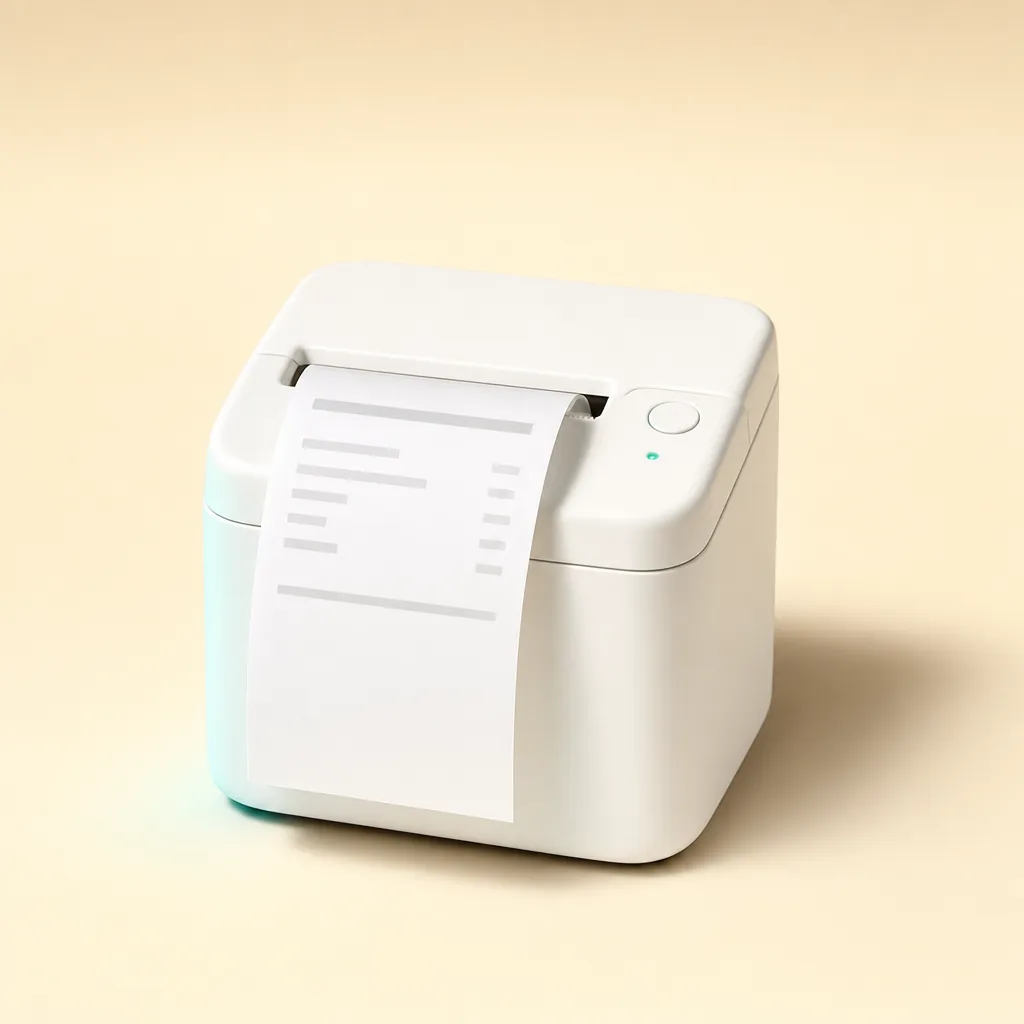
Receipt printers
80 mm thermal, for the prep slip your line works from. The most common thing on a counter, and the cheapest place to start.
2 in the catalogue
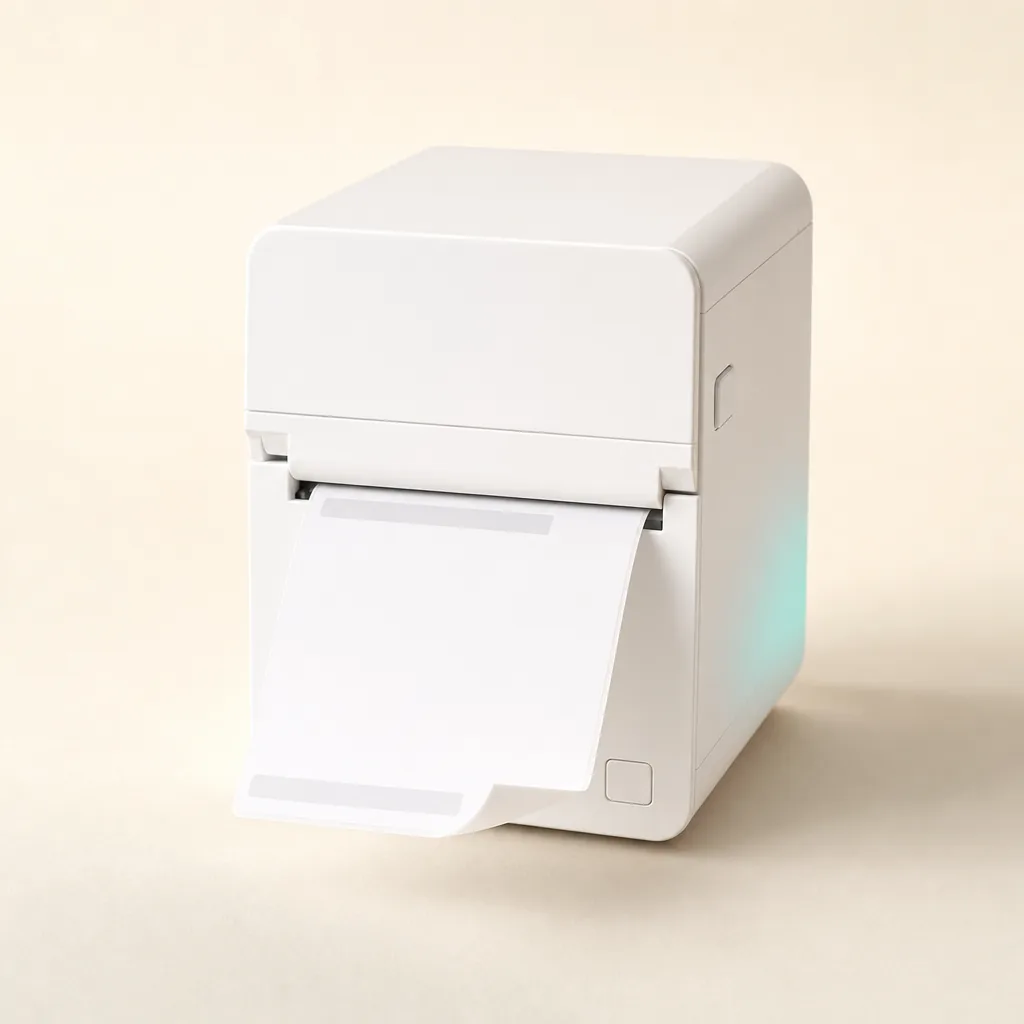
Label printers
Narrower, with a peel edge, for adhesive labels that go onto a cup, a bag or a box. One label per item rather than one slip per order.
2 in the catalogue
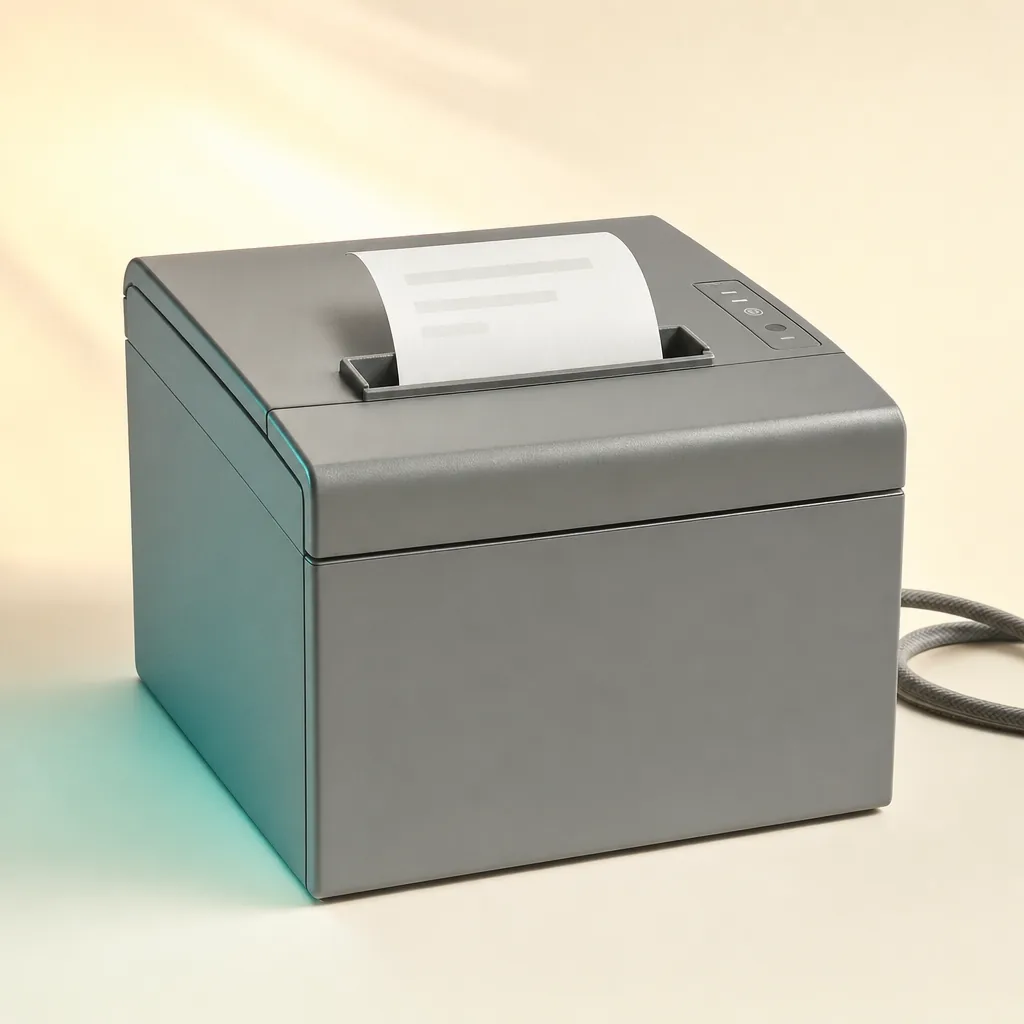
Anything with a driver
The printer already on your desk. If the computer can print to it, so can we — this is the route that needs no purchase at all.
1 in the catalogue
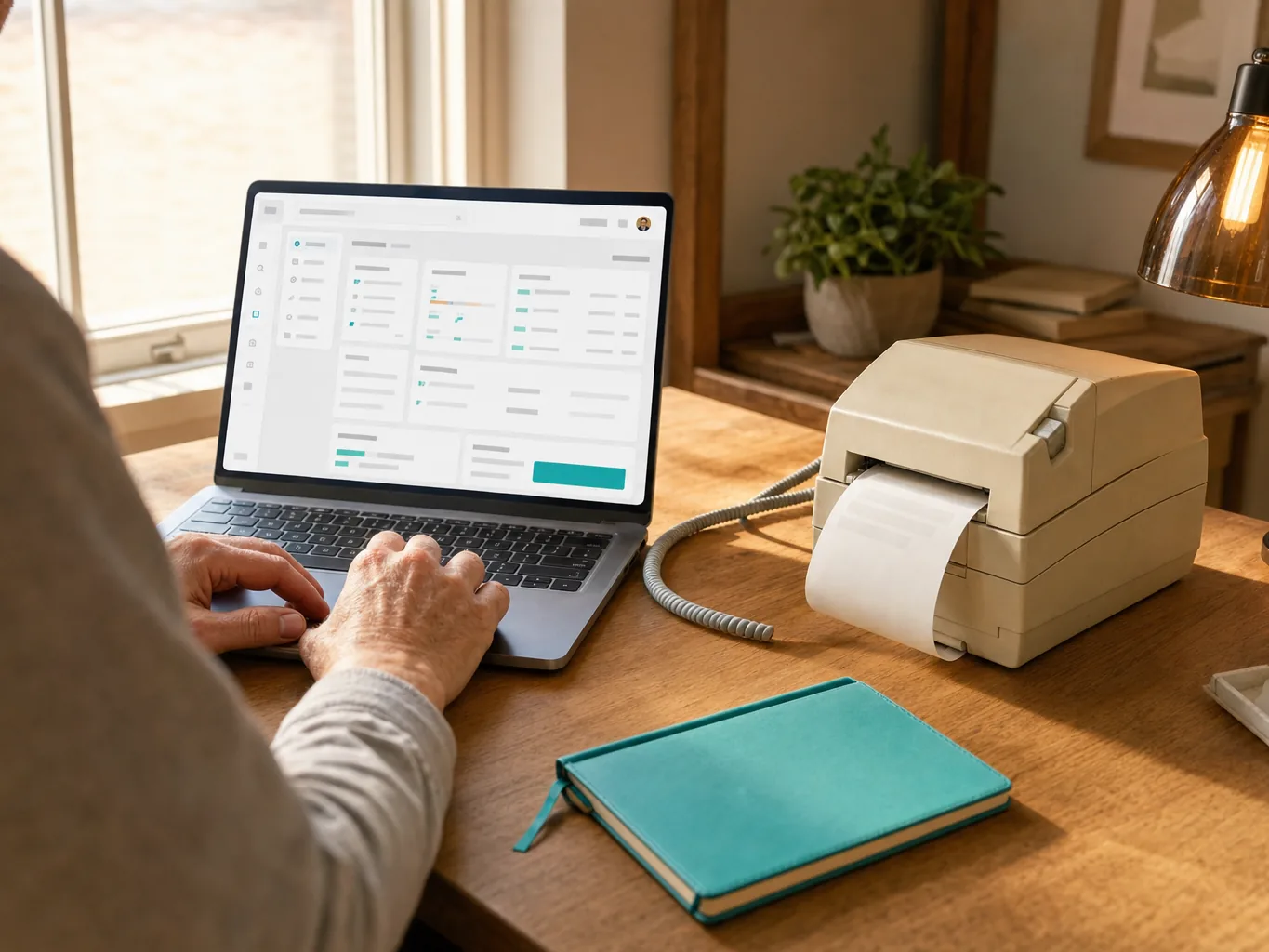
Illustrative — these show the class of device, not a specific model. Nothing on this site is a photograph of a printer we haven't run.
Epson TM-m30II / TM-m30III
Tested on this printerPrep slipDirect over your network$150–250
Verified 2026-09-05
Epson TM-L100
Built to spec, hardware test pendingLabelsDirect over your network$350–450
Linerless 58 mm or die-cut 50×30 mm
Star mC-Print3
Tested on this printerPrep slipThrough your computer$150–350
Verified 2026-07-28
Star mC-Label3
Built to spec, hardware test pendingLabelsThrough your computer$300–400
die-cut 50×30 mm
Generic Any OS-driver printer
Tested on this printerPrep slipThrough your computer$100+
Verified 2026-07-28
We don't sell hardware and take no commission — these are rough street prices to help you budget, not quotes.
THE HONEST PART
What we won't pretend
Things we're asked for and don't do — said here rather than discovered later.
An older thermal printer? A laptop, or nothing.
Older network printers speak a protocol no browser can reach, so they print from a computer at the pass and work fine there today. A small box that would let them run unattended is designed but not shipped. They will never print straight from a tablet, and no firmware update changes that.
Bluetooth printers
Not supported and not planned. Browsers can't print to them reliably, and the pairing drops exactly when a counter is busiest.
Your existing till's printer
We don't print through another POS or a hotel PMS. Our tickets come out of a printer you point us at, not one owned by other software.
Splitting an order by station
Drinks to the bar printer, food to the kitchen — not today. A ticket carries the whole order on one sheet.
Questions we actually get
What does "built to spec, hardware test pending" actually mean?
We have implemented that printer's published protocol and cover it with emulator tests, so the wire format is right — but no physical unit of that model has printed through our system yet. When one does, the label on this page changes to say so, with the date.
Will an older thermal printer we already own work?
Through a computer, yes. Older network printers speak a protocol no browser can reach directly, so they print from a laptop or desktop at the pass. They will never print straight from a tablet, at any price, and we would rather say that before you try.
Do you support Bluetooth receipt printers?
No, and we do not plan to. Browsers cannot print to them reliably and the pairing drops exactly when a counter is busiest. Wi-Fi and LAN printers are what we build on.
Start with the printer you have
Free to start. Add the right hardware once you know which setup fits.