
SETUP · TWO-PRINTER TABLET COUNTER
One tap. A bon and a label per cup.
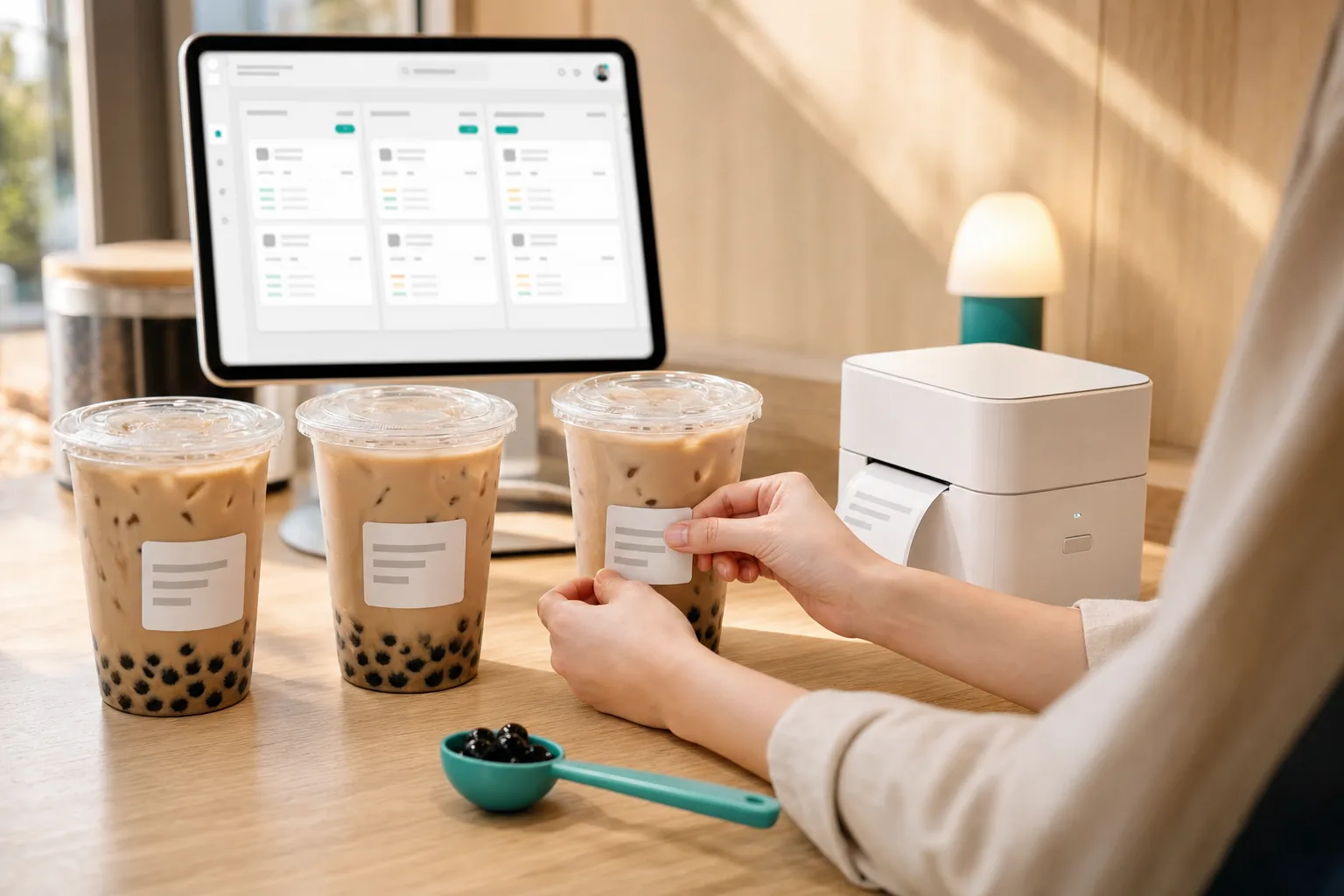
You take the money on your own terminal and tap to confirm. A prep slip prints for the line, and one adhesive label prints per drink — order number, size, every topping, sugar, ice and whatever they typed in the notes.
HOW IT RUNS
From scan to sticker
Three beats, and only one of them is yours.
They scan and order
A QR on the counter opens your menu. Toppings, sugar level and ice level are ordinary options you define yourself — no app, no account.
You take the payment
The order lands on your counter tablet. Charge them on SumUp, TWINT or in cash exactly as you do today, then tap to confirm it's paid.
Paper appears
That tap is what prints. The prep slip goes to the bon printer and one label per cup goes to the label printer, numbered so nobody loses count.
Nothing prints before the payment step. That isn't a setting you switch on — it's how this flow works.
WHAT YOU NEED
Three things on the counter
Plus your shop Wi-Fi. No computer, no server, nothing to install.
YOU PROBABLY OWN THIS
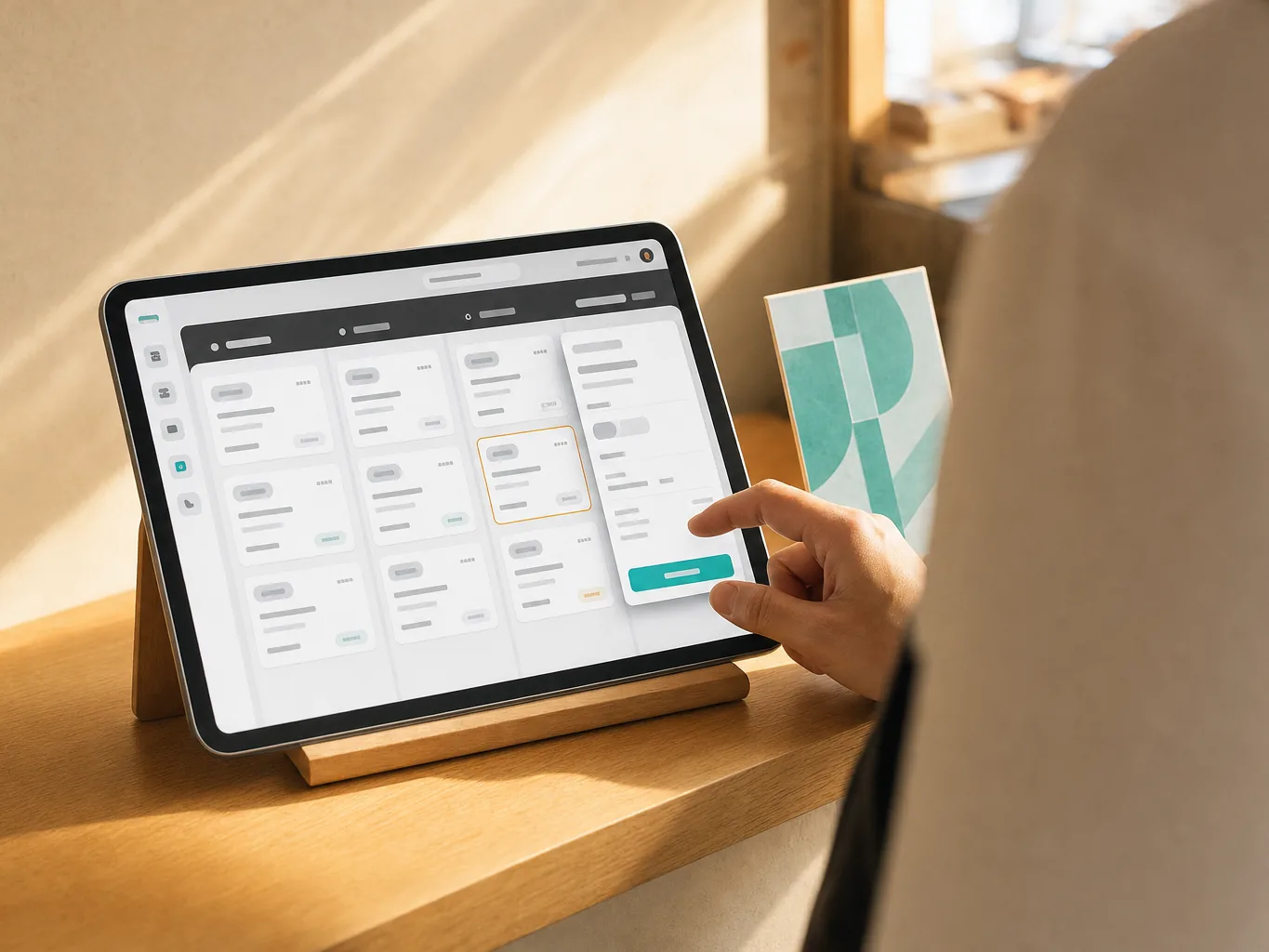
A tablet
Any iPad or Android tablet with a browser. It runs the counter screen and drives both printers — this is the only device in the setup.
ROLE · PREP SLIP
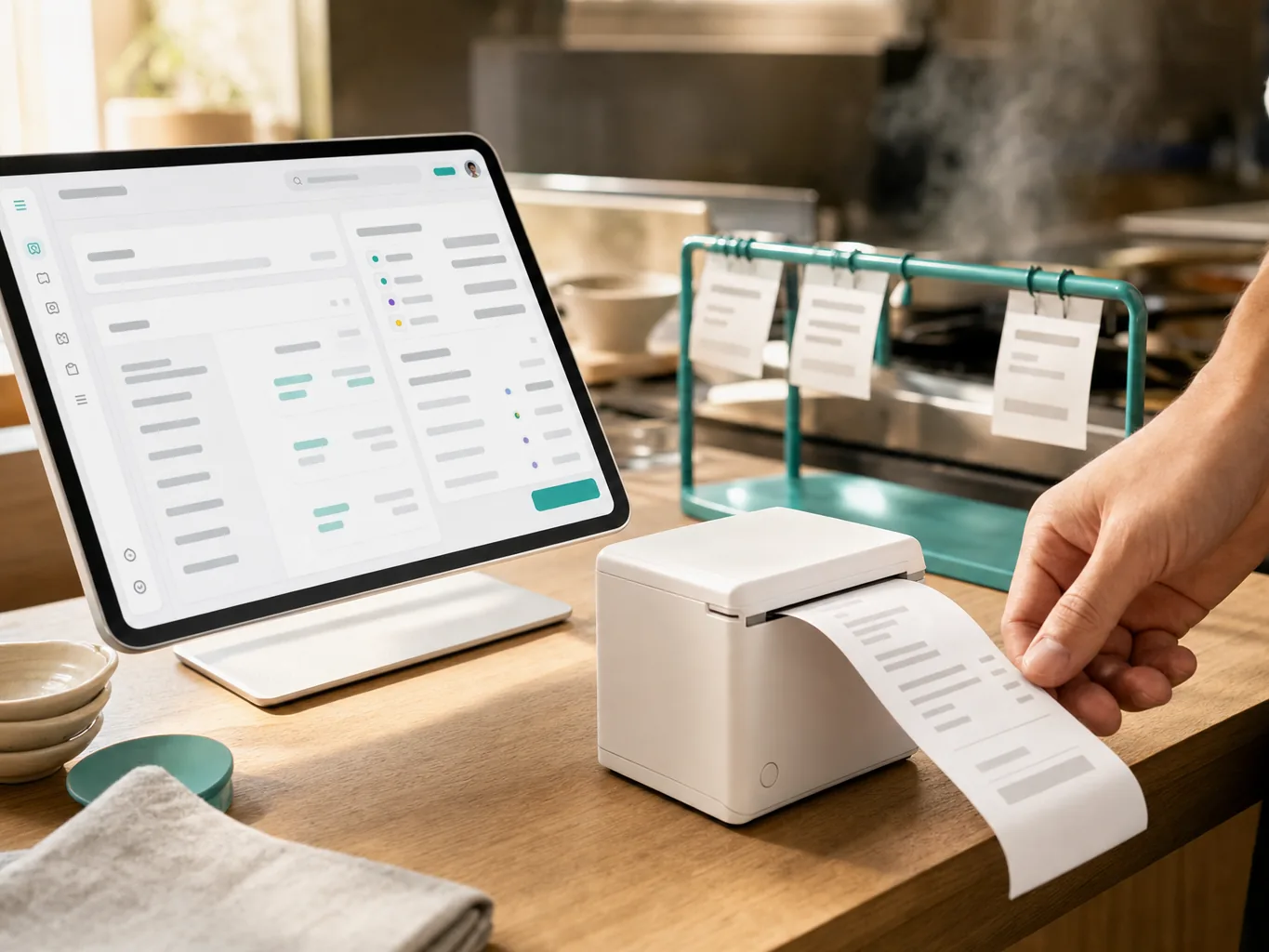
A receipt printer
80 mm thermal, on your Wi-Fi. Prints the prep slip your line works from — items, options and notes, never a price.
ROLE · CUP LABELS
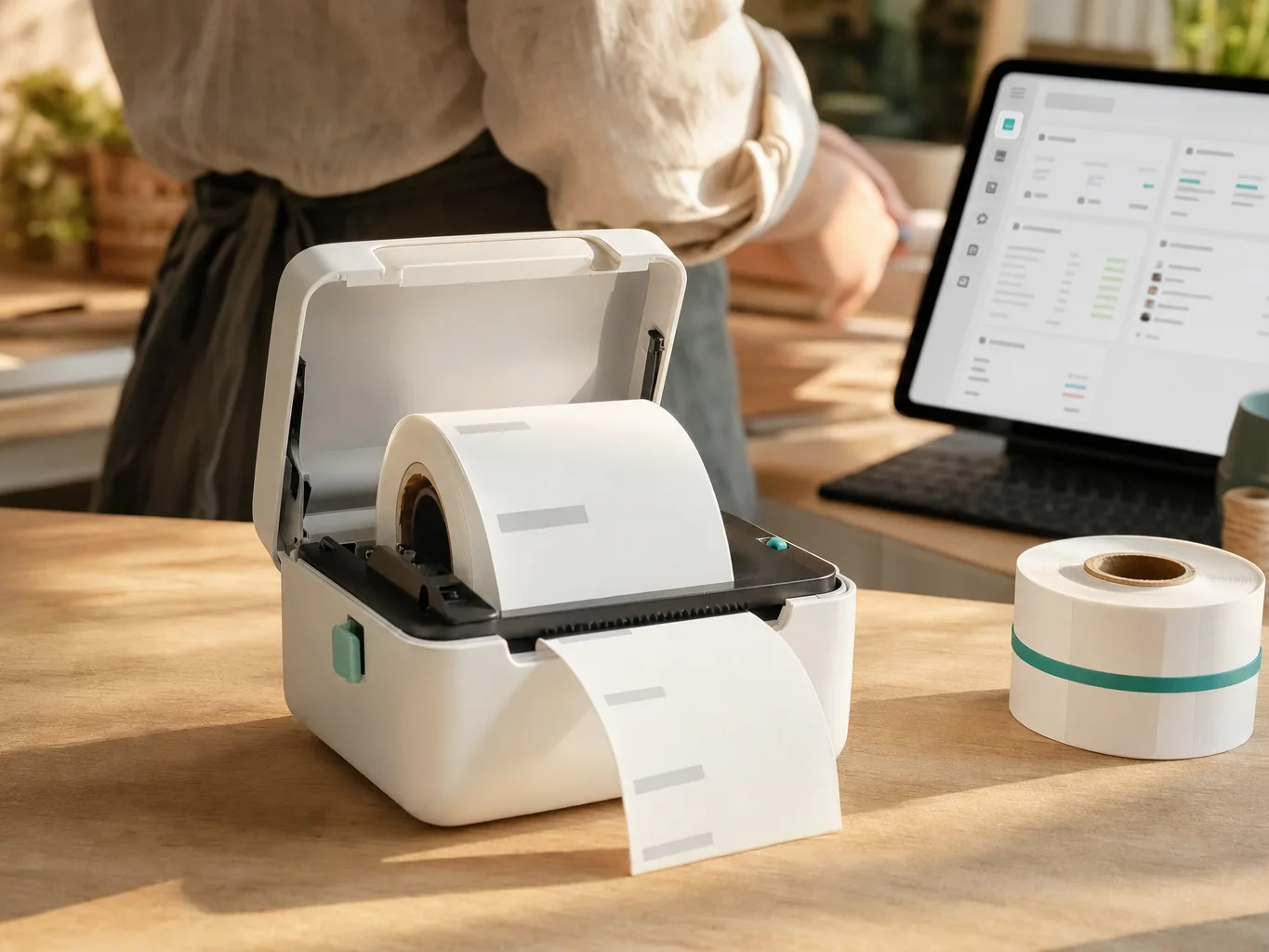
A label printer
Prints the adhesive labels that go on the cups. Linerless 58 mm cuts each label to the length that order needs; die-cut 50×30 mm works too if you prefer a fixed size.
What it costs, roughly
Budget for the two printers once — the tablet you almost certainly already have. The software starts free and we never take a cut of what you charge. See pricing →
We don't sell hardware and take no commission — these are rough street prices to help you budget, not quotes.
SEE IT
One tap, two printers
WATCH · 8 SECONDS · NO SOUND
SETTING UP
Fifteen minutes to your first label
Every step here is the same guided wizard you'll see after you sign up.
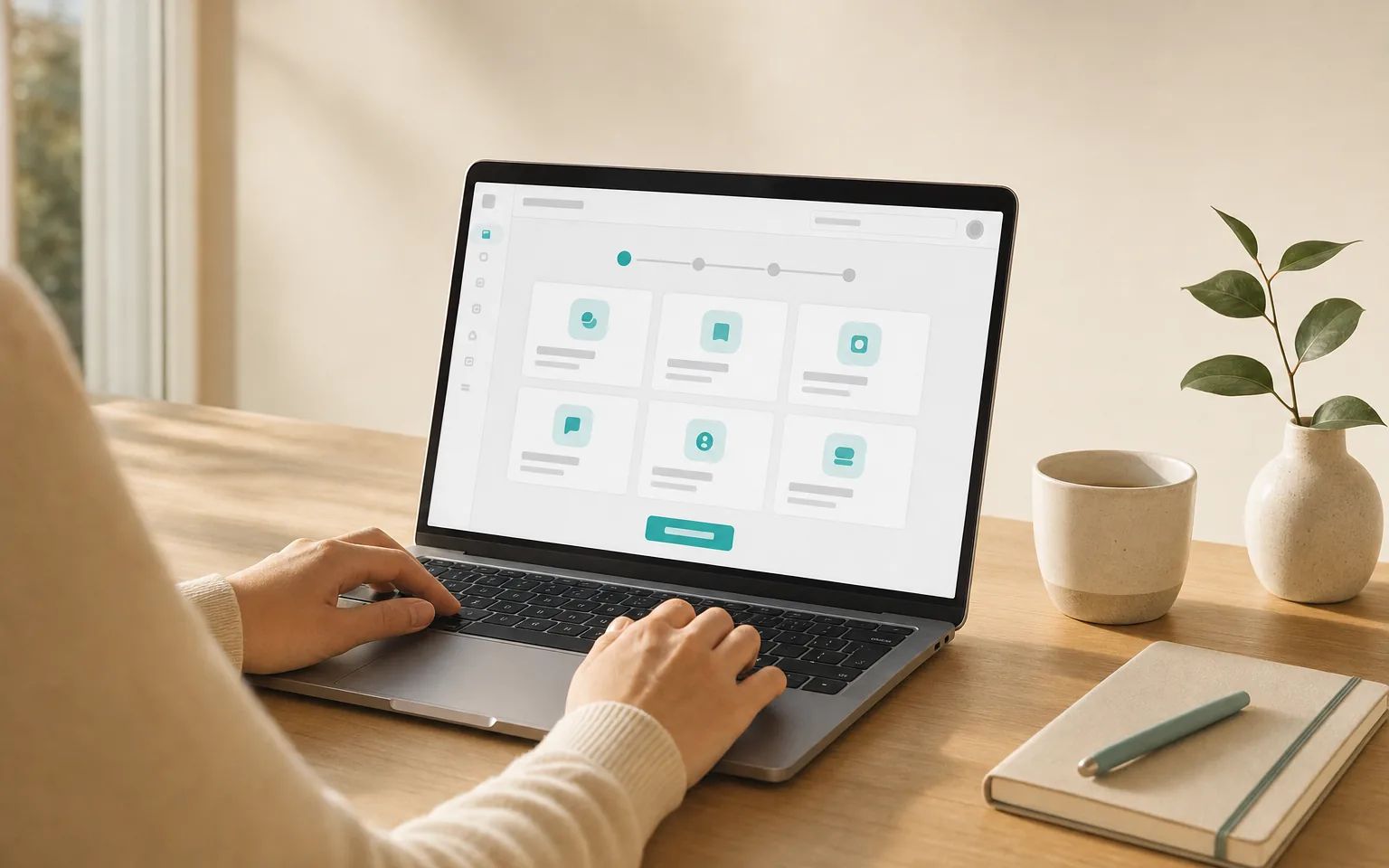
Create your queue
Pick the counter-service template. Your menu, options and prices go in once.
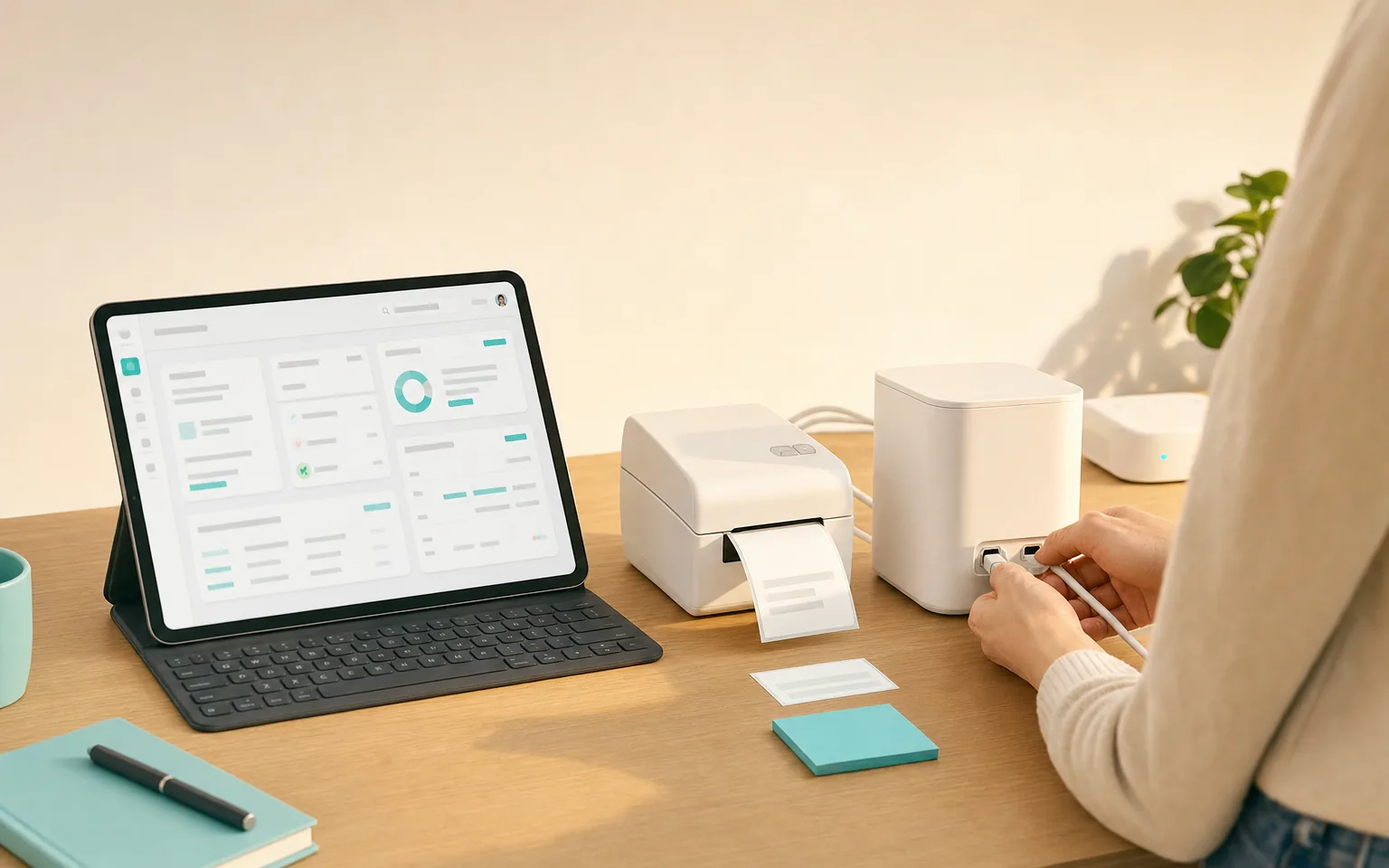
Put both printers on Wi-Fi
Connect each printer to your shop network and note the address it shows you.
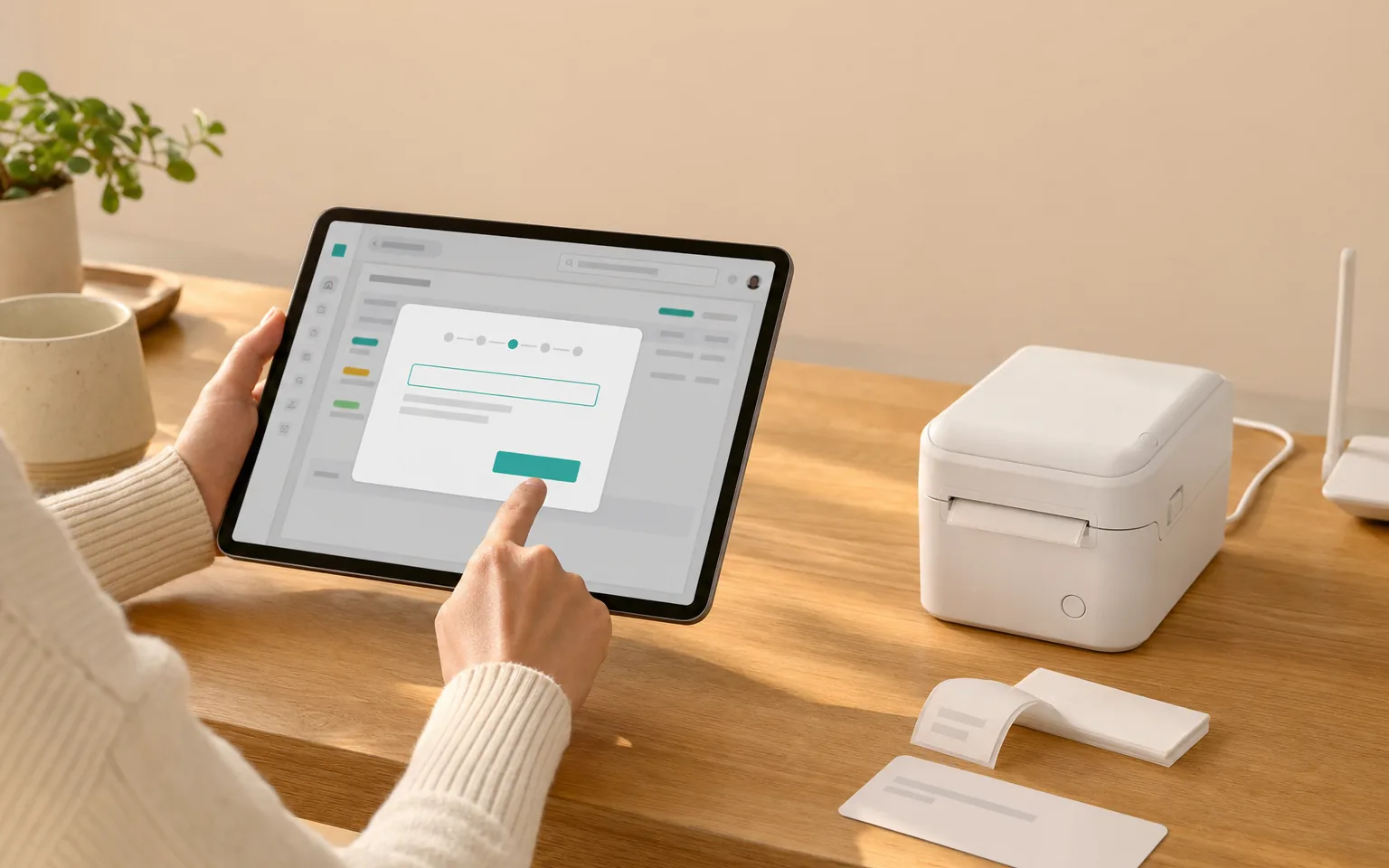
Add them in the dashboard
Printing → Add printer. Choose the model, give it that address, and say which one does labels.
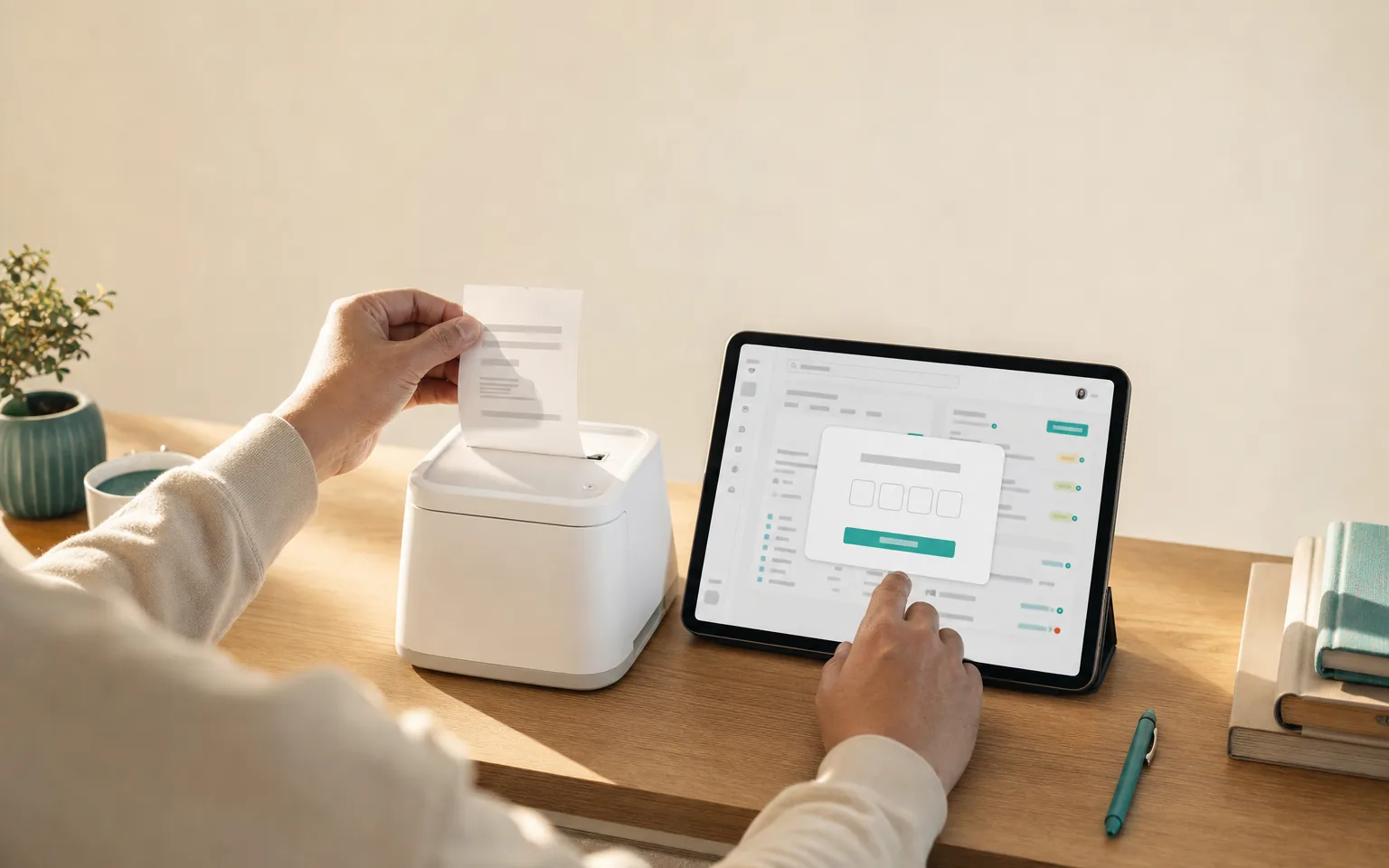
Print a test, type the code
A test label comes out with four characters on it. Type them in and that printer is confirmed working — paper proves it, not a spinner.
Stuck on any of it? The wizard has the same instructions with your actual printer in front of it.
New to network printers? The illustrated Epson TM-m30 guide →
BEFORE YOU BUY
The limits, stated plainly
Things worth knowing before you spend money, not after.
Your dashboard is secure, your printer is on the local network
Your printer needs its secure mode switched on once, and the setup wizard walks you through it in about a minute. After that it simply works.
GOOD TO KNOW
No Bluetooth printers
We don't support Bluetooth receipt printers and don't plan to — the pairing drops exactly when a counter is busiest. Wi-Fi and LAN are the connections we build on.
GOOD TO KNOW
The tablet stays awake
Your counter tablet needs the ordering screen open and the screen on, the same way a card terminal stays on. Guided Access on iPad keeps it there through a shift.
GOOD TO KNOW
A reprint always prints
Automatic printing is exactly-once across every device on the queue. When you tap reprint yourself, we never second-guess you — that copy comes out even if the first one already did.
Questions we actually get
Do you take a cut of what we charge?
No. We never process payments. Your customer pays you on SumUp, TWINT or in cash exactly as they do today; our screen only tells you which order they're paying for.
Can the labels really print from an iPad, with no computer?
Yes. Both printers sit on your shop Wi-Fi and the tablet sends the label straight to them over the local network — no drivers, no app to install, no print dialog. We do not support Bluetooth printers; LAN is the connection that holds up mid-rush.
When exactly does a label print?
The moment you tap to confirm payment, and never before. Three drinks in one order print three labels, numbered 1 of 3 through 3 of 3.
What goes on each label?
The order number, the drink, the size, every topping, the sugar and ice levels, any note the customer typed, and the cup counter. Sugar and ice are ordinary menu options you define yourself.
Have you tested this on the exact printers you recommend?
We have implemented the printers’ published protocol and cover it with emulator tests, and a physical unit is on the bench. Each model on this page carries a label saying which of those two is true today, and that label changes the moment a real unit prints.
Set up your counter
Start free, add printers when your hardware arrives. No card required.