
SETUP · LAPTOP AND PRINTER
Start with what you already own.
A computer at the desk and any printer it can already print to. Orders arrive on screen, come out on paper, and you charge the guest exactly as you do now.
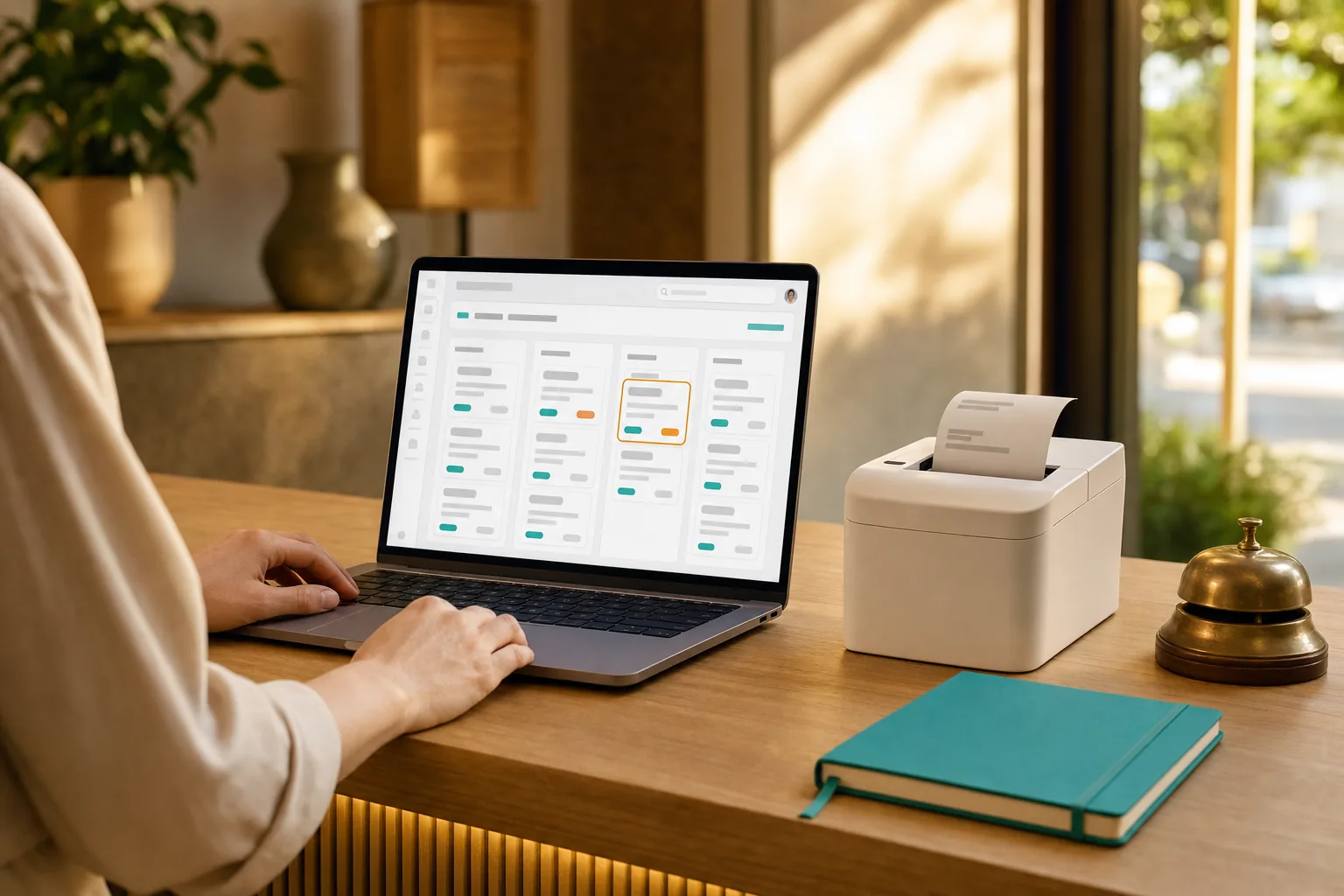
HOW IT RUNS
The desk stays in charge
Three beats, and the middle one is deliberately yours.
The order arrives
A guest scans, orders and the request lands on the desk screen — nothing has reached the kitchen yet.
You accept it
You look at it first. Accept, and the kitchen sees it; decline with a reason, and the guest is told. Nothing bypasses this.
Paper follows
Your acceptance is what prints the ticket. That is the point of the gate — the kitchen only ever cooks what the desk approved.
Nothing prints before you accept. That isn't a setting — it's how a reviewed flow works.
WHAT YOU NEED
Two things you have
If the desk already has a computer and a printer, your shopping list is empty.
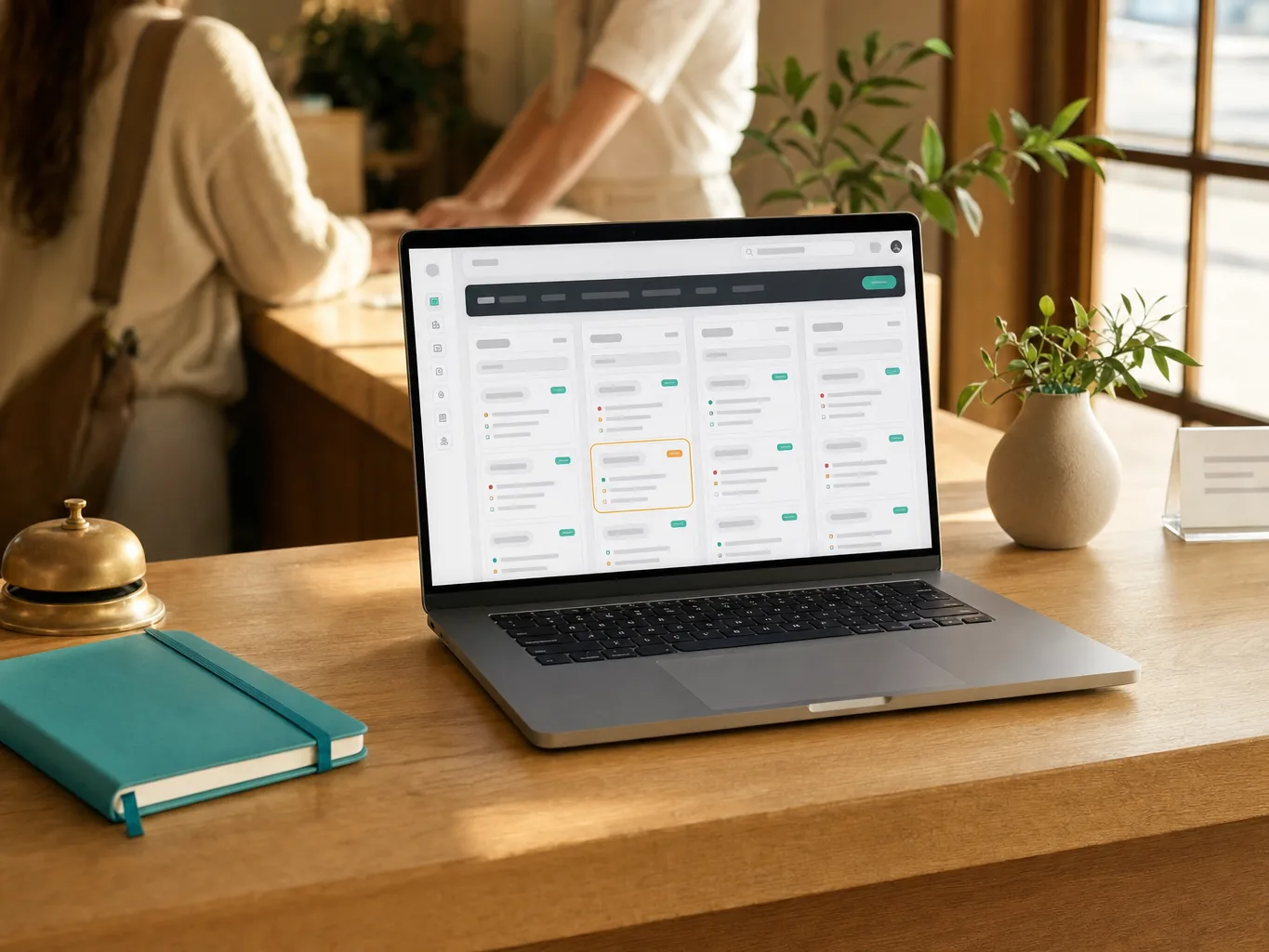
YOU ALREADY OWN THIS
The desk computer
Any laptop or desktop with a browser. It shows the orders and sends the ticket to the printer — no separate till software.
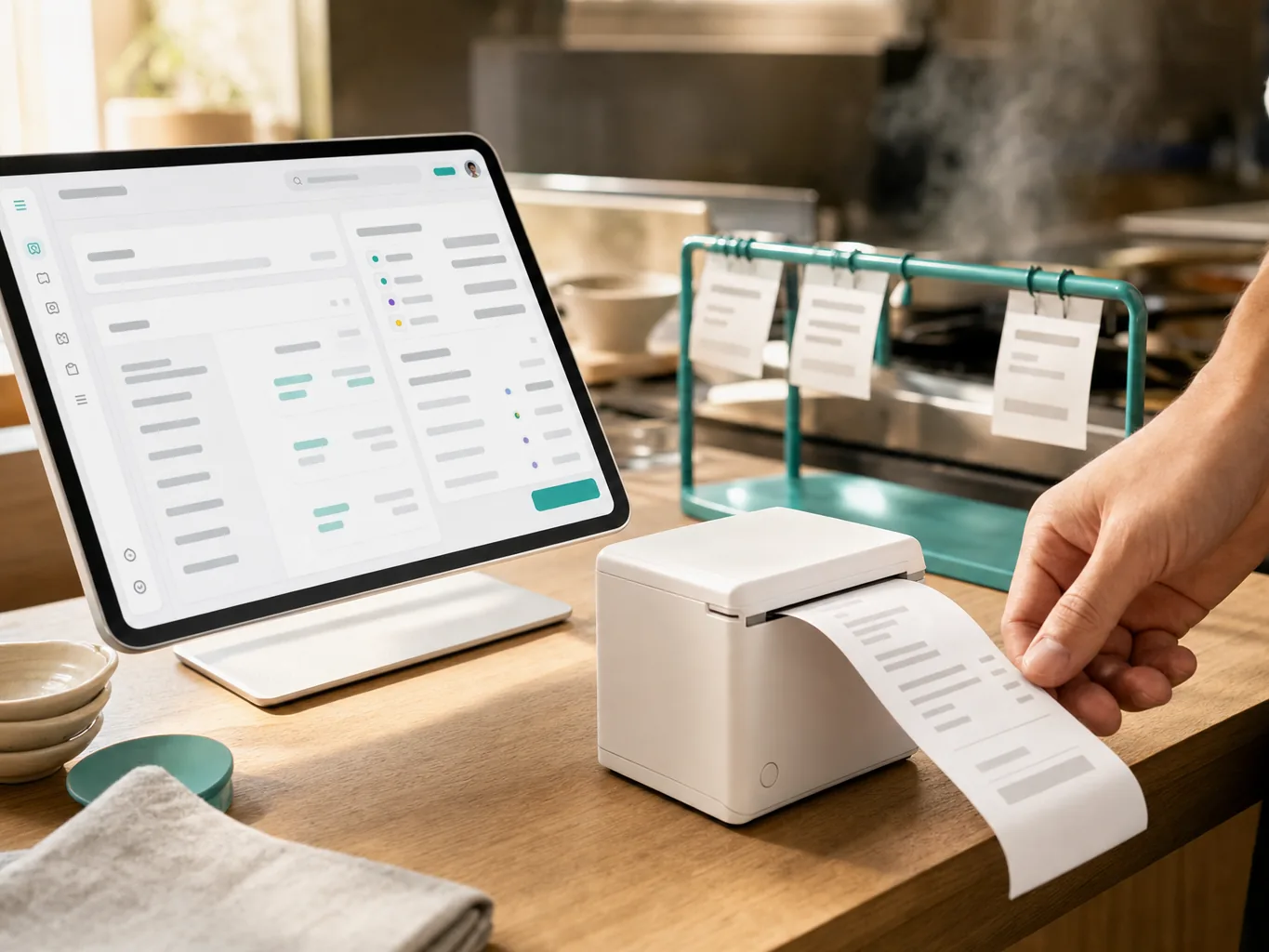
ROLE · PREP SLIP
The printer beside it
Whatever the computer already prints to. Tickets are set for 80 mm thermal but degrade legibly to A4 and A6, so an office printer works while you decide.
What it costs, roughly
If the desk already has a computer and a printer, this setup costs you nothing to start. If the printer is older, it still works here — it just has to stay wired to that computer. The software starts free and we never take a cut of what you charge. See pricing →
We don't sell hardware and take no commission — these are rough street prices to help you budget, not quotes.
SEE IT
Accept, and paper follows
WATCH · 8 SECONDS · NO SOUND
SETTING UP
Fifteen minutes, no purchase
The shortest route from reading this page to paper in your hand.
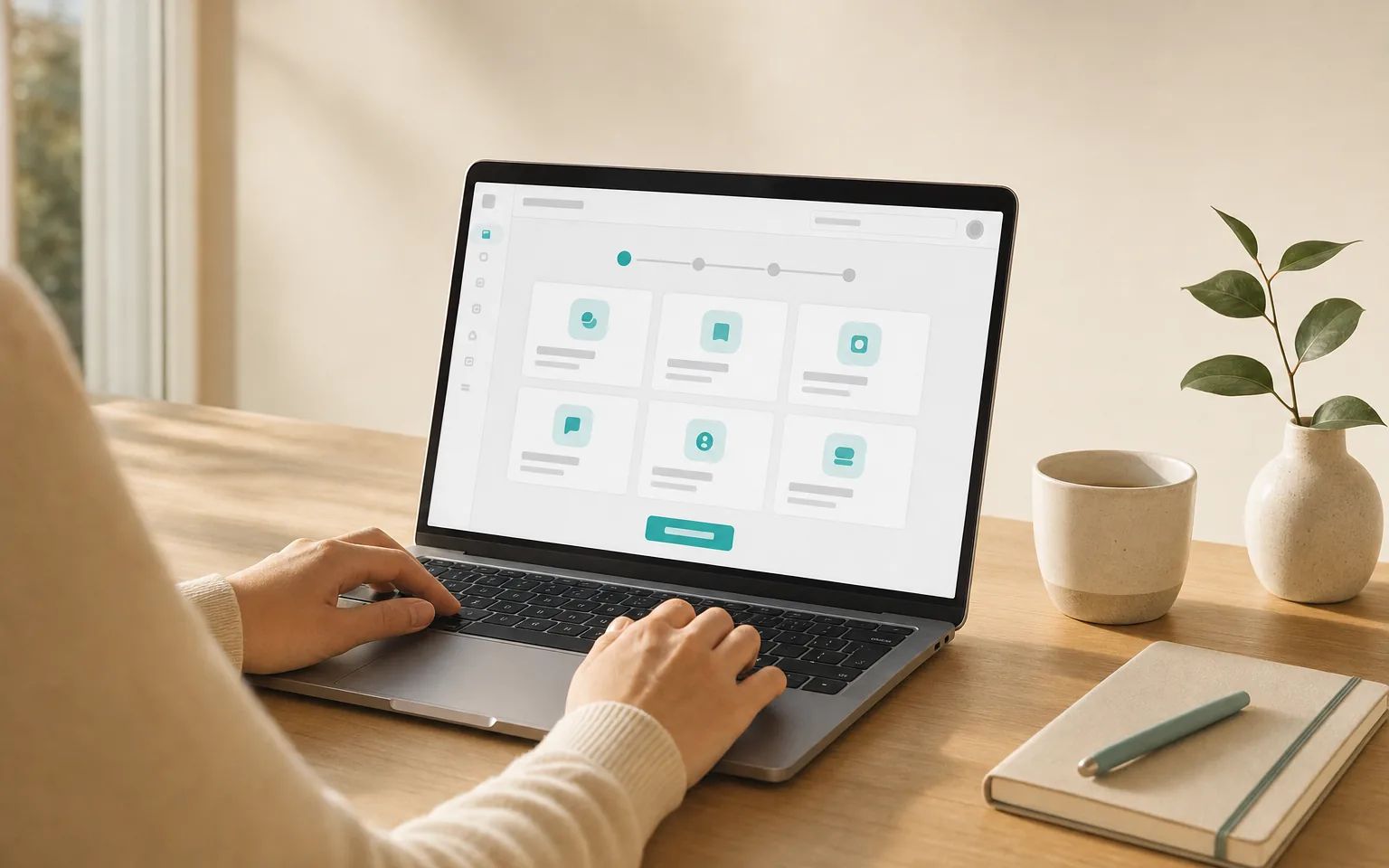
Create your queue
Pick the template that matches your service. Menu, options and prices go in once.
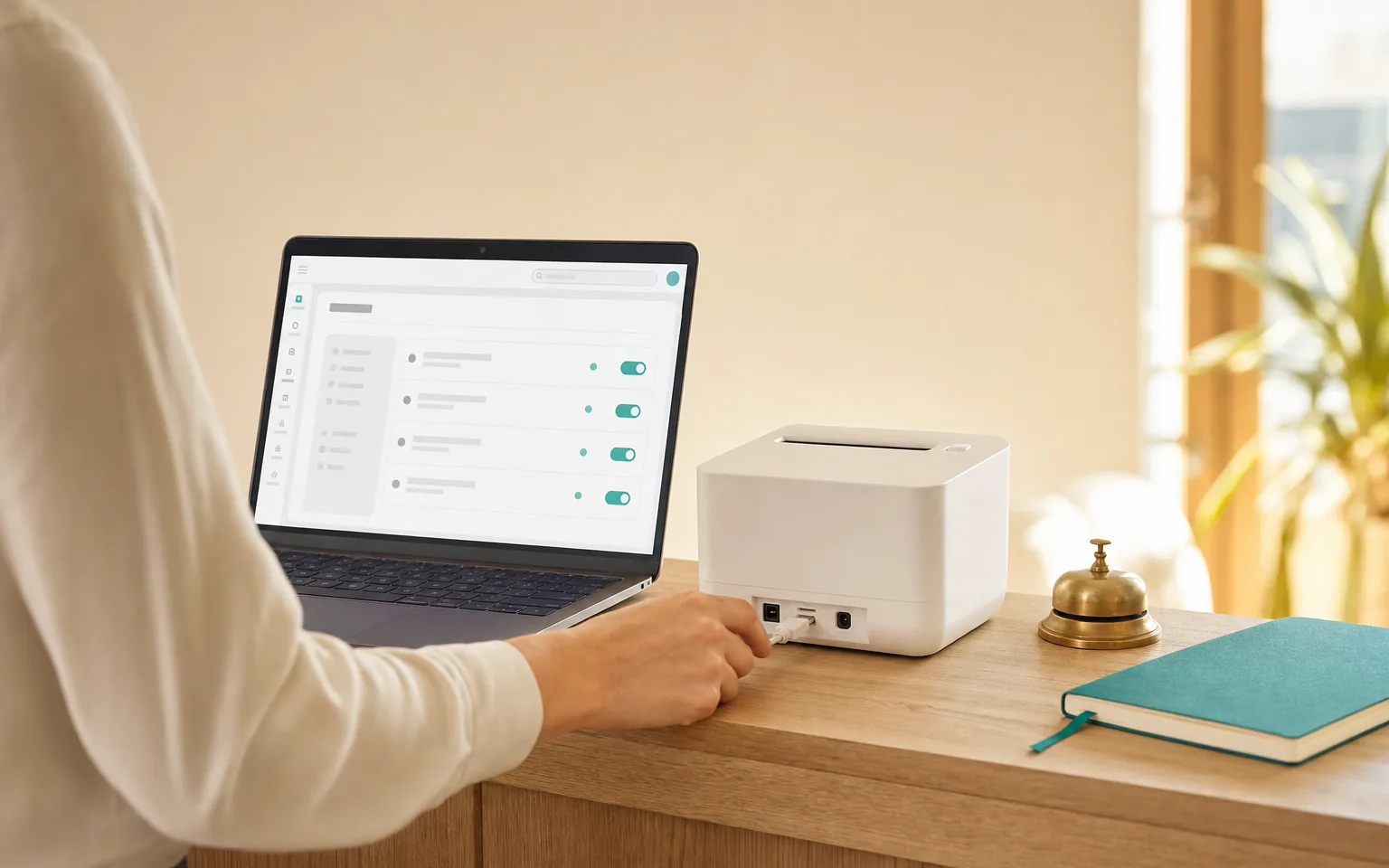
Point it at your printer
Nothing to install — the desk computer already knows the printer. Confirm it is the one you want tickets on.
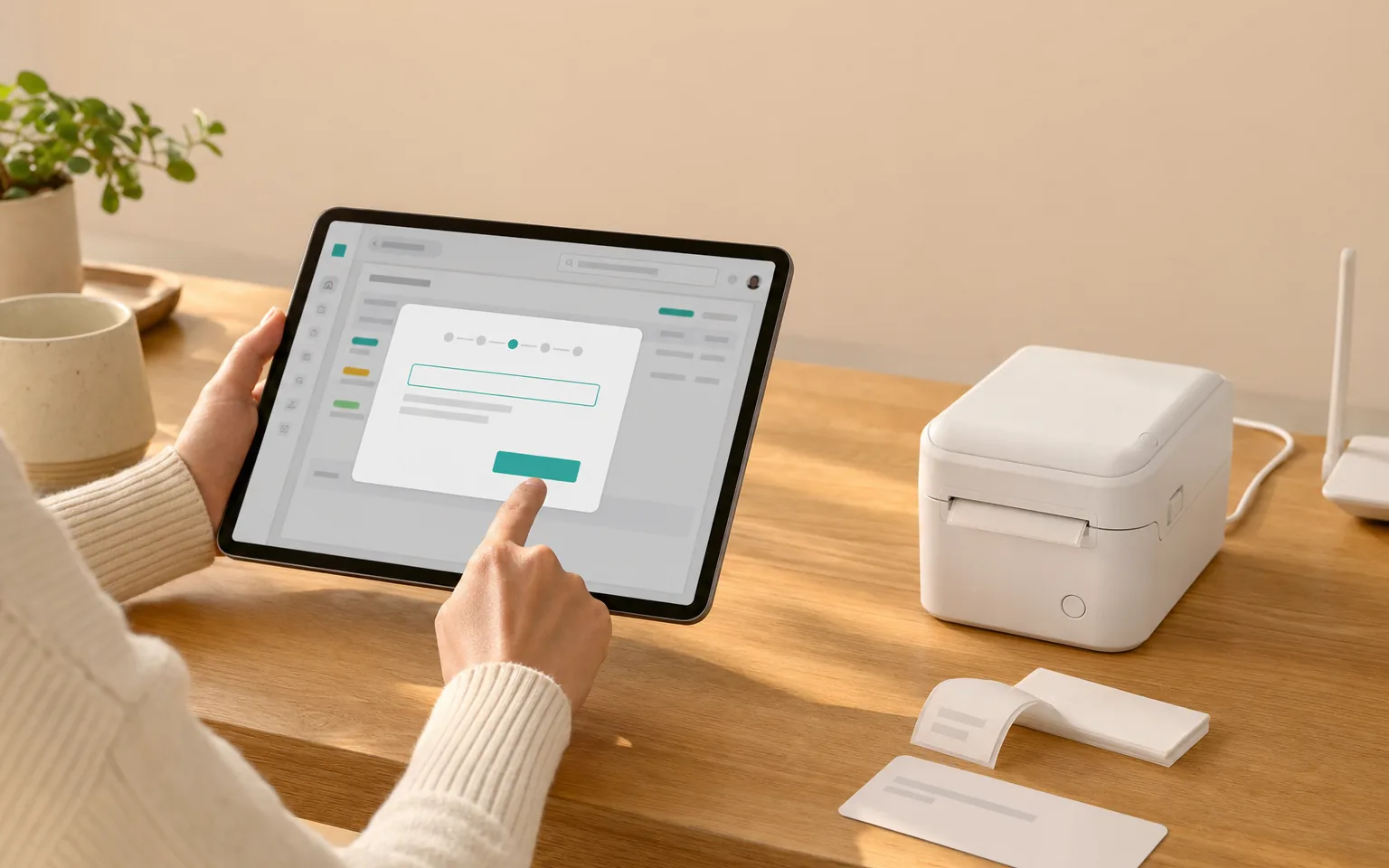
Register the desk
Printing → this device becomes a print station, so the system knows which machine is responsible for paper.
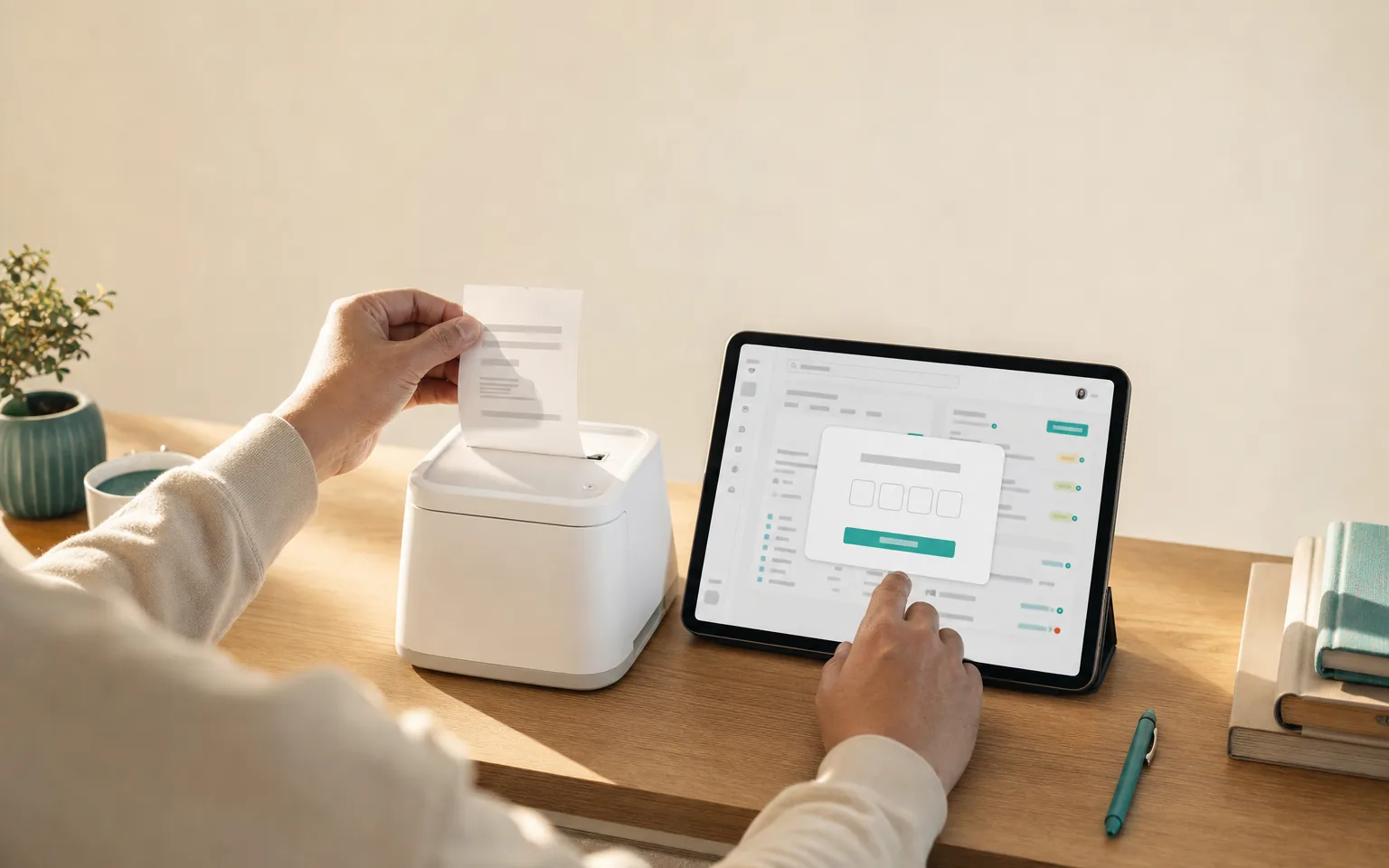
Print a test, type the code
A test ticket comes out with four characters on it. Type them in and the desk is confirmed working.
Nothing here installs software on the desk computer — it is the browser you already use, plus your printer's own driver.
BEFORE YOU START
What this setup won't do
It is the easiest way in, and there are things it deliberately leaves to a staffed desk.
A reprint always prints
Automatic printing is exactly-once across every device on the queue. When you tap reprint yourself, we never second-guess you — that copy comes out even if the first one already did.
GOOD TO KNOW
A dropped connection costs you a minute, not an order
If the network blips, the board catches up as soon as it returns and anything missed prints within about a minute. Nothing is lost — it simply arrives late, and staff notifications cover the gap.
GOOD TO KNOW
One ticket, one printer
A ticket carries the whole order on a single sheet. Sending drinks to a bar printer and food to the kitchen by item category is not something we do today. Venues that need it run a separate queue per station, at the cost of ordering twice.
Questions we actually get
Do we have to buy anything?
Probably not. If you have a computer at the desk and a printer it can already print to, you have the setup. Most venues start here and only buy hardware once they know they want paper at a second station.
Does it work with a normal office printer?
Yes. Tickets are laid out for 80 mm thermal paper but degrade legibly to A4 and A6, so an ordinary office printer is fine while you decide.
Does someone have to confirm each print?
On a standard browser, yes — a print dialog appears and someone confirms it, which at a staffed desk is a keystroke. Removing that step is what the silent kitchen setup is for.
Can the same desk take payment?
The desk confirms payment after you charge the guest on your own terminal or take cash. We never process the payment ourselves and never add a fee per order.
What if we grow into a real kitchen?
The same queue moves across. Add a dedicated machine at the pass and the desk keeps doing what it does; nothing is re-created.