SETUP · NO PAPER AT ALL
A kitchen that runs on a screen.
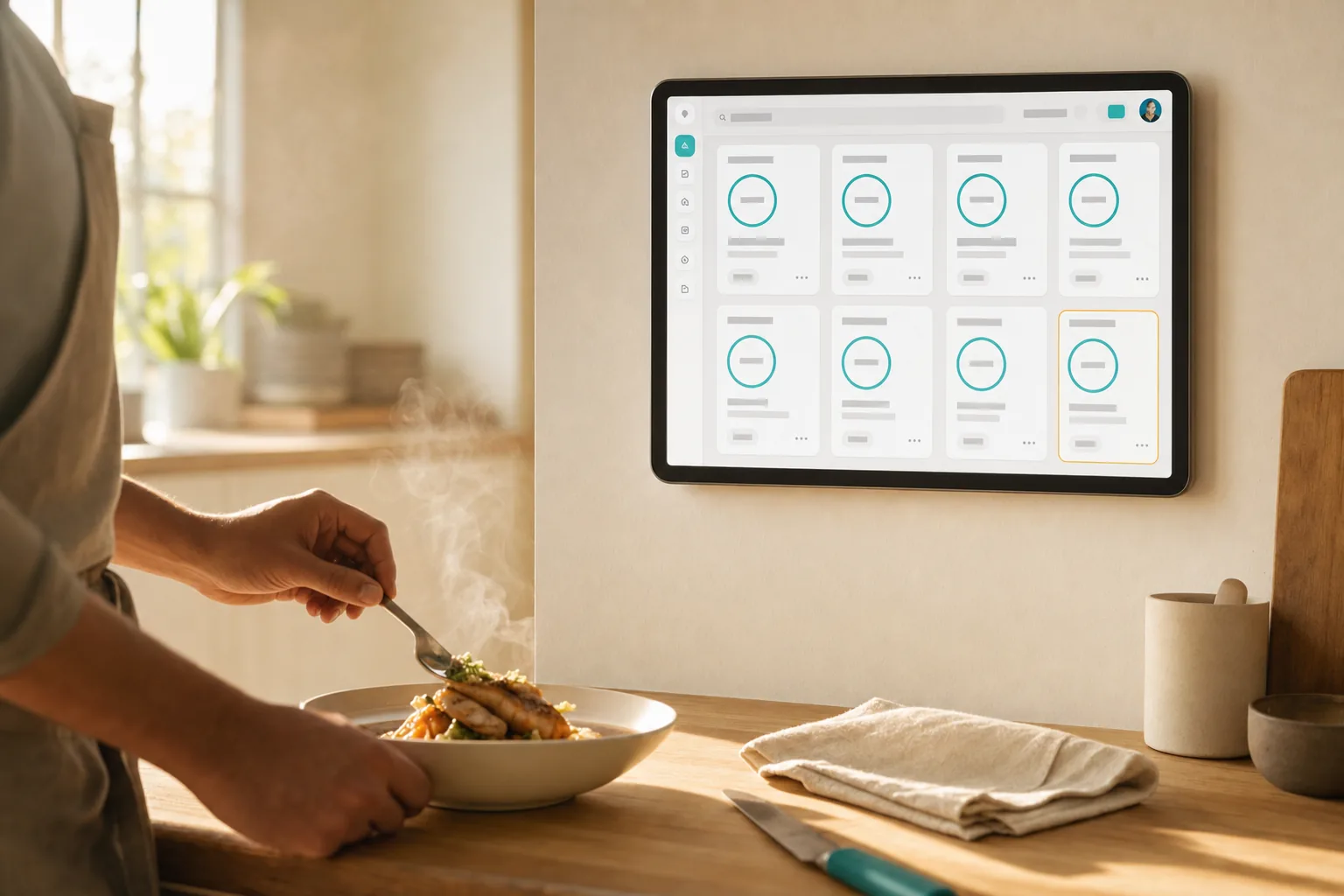
No printer, no paper, nothing to run out of. A wall tablet shows live tickets with timers, and for a small operation a phone in an apron pocket is genuinely enough.
HOW IT RUNS
The board is the ticket
Three beats, and no consumables in any of them.
The order arrives
A new card joins the end of the board the moment the order is real. The board is sorted oldest first, so the card to start next is always the one in front.
The timer starts
Every card carries its own age. Anything sitting too long is flagged, so the oldest order is always the obvious one.
Tap ready
One tap moves it on and tells the customer. The card leaves the board — no pile of paper to reconcile at the end of service.
The screen reacts to the same event a printer would, so adding paper later changes nothing about how this works.
WHAT YOU NEED
One screen, or one phone
This is the only setup with nothing to buy and nothing to replace.
THE USUAL CHOICE
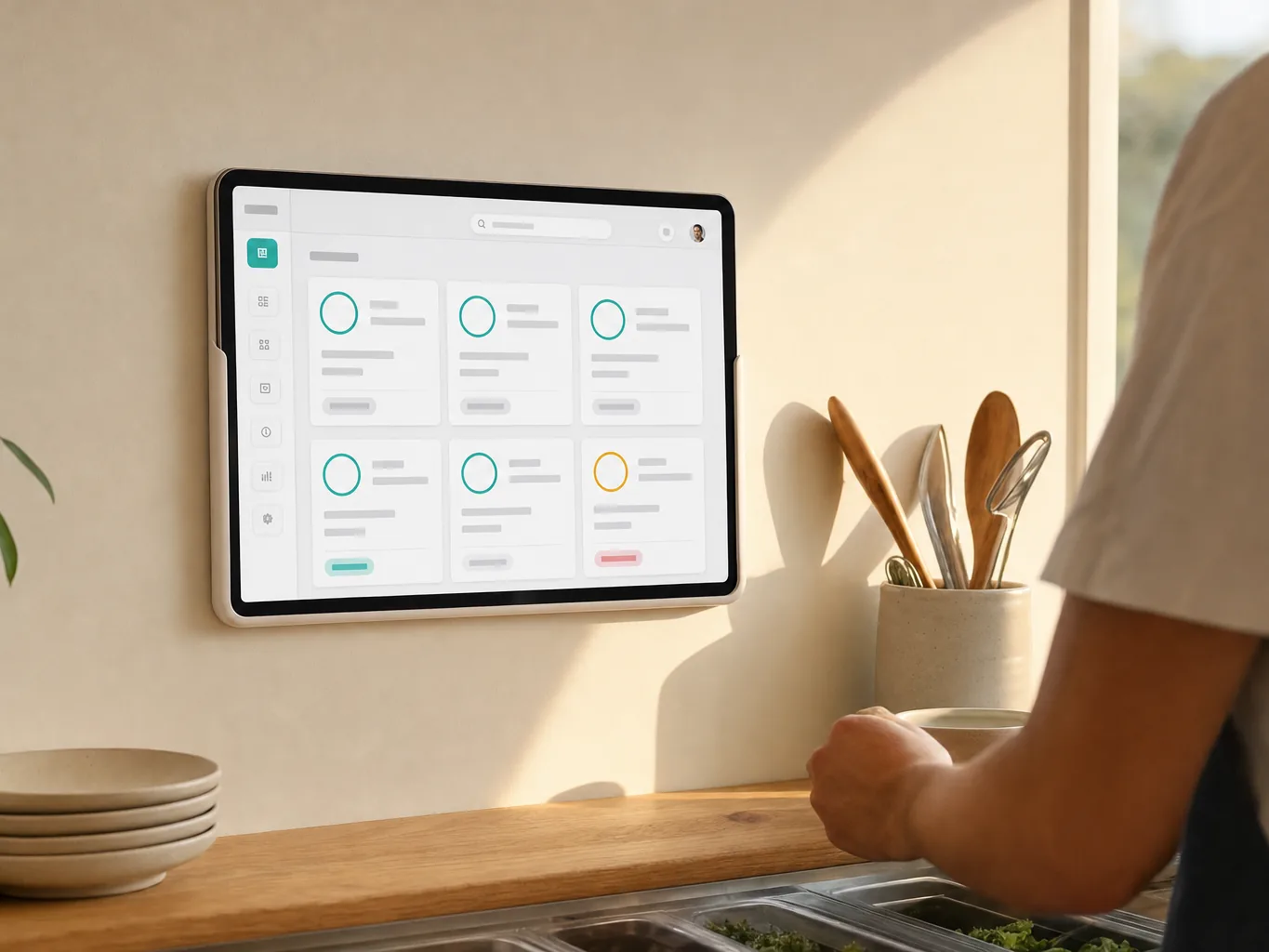
A wall tablet
Any tablet or TV browser on a bracket. Cards are large enough to read across a pass, with a timer on each.
SMALL OPERATIONS
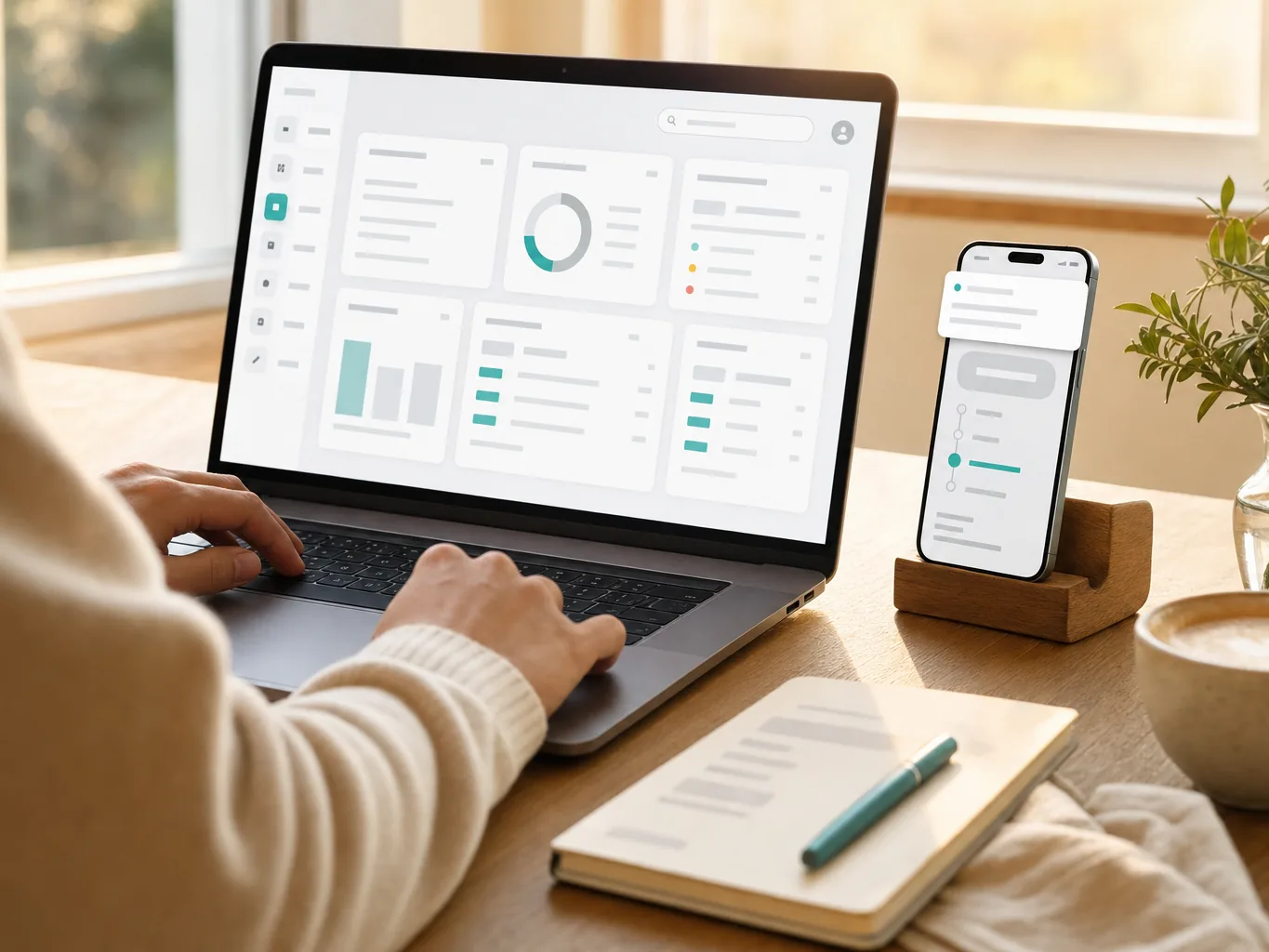
Or just a phone
A pop-up, a market stand or a one-person kitchen can run the whole service from a phone, with notifications so nothing is missed.
What it costs
There is no hardware to budget for. Any tablet, phone or laptop you already own shows the board, and there is nothing to refill or replace. The software starts free and we never take a cut of what you charge. See pricing →
We don't sell hardware and take no commission — these are rough street prices to help you budget, not quotes.
SEE IT
A card arrives, another clears
WATCH · 8 SECONDS · NO SOUND
SETTING UP
Ten minutes, nothing to install
The fastest setup here, because there is no hardware in the chain.
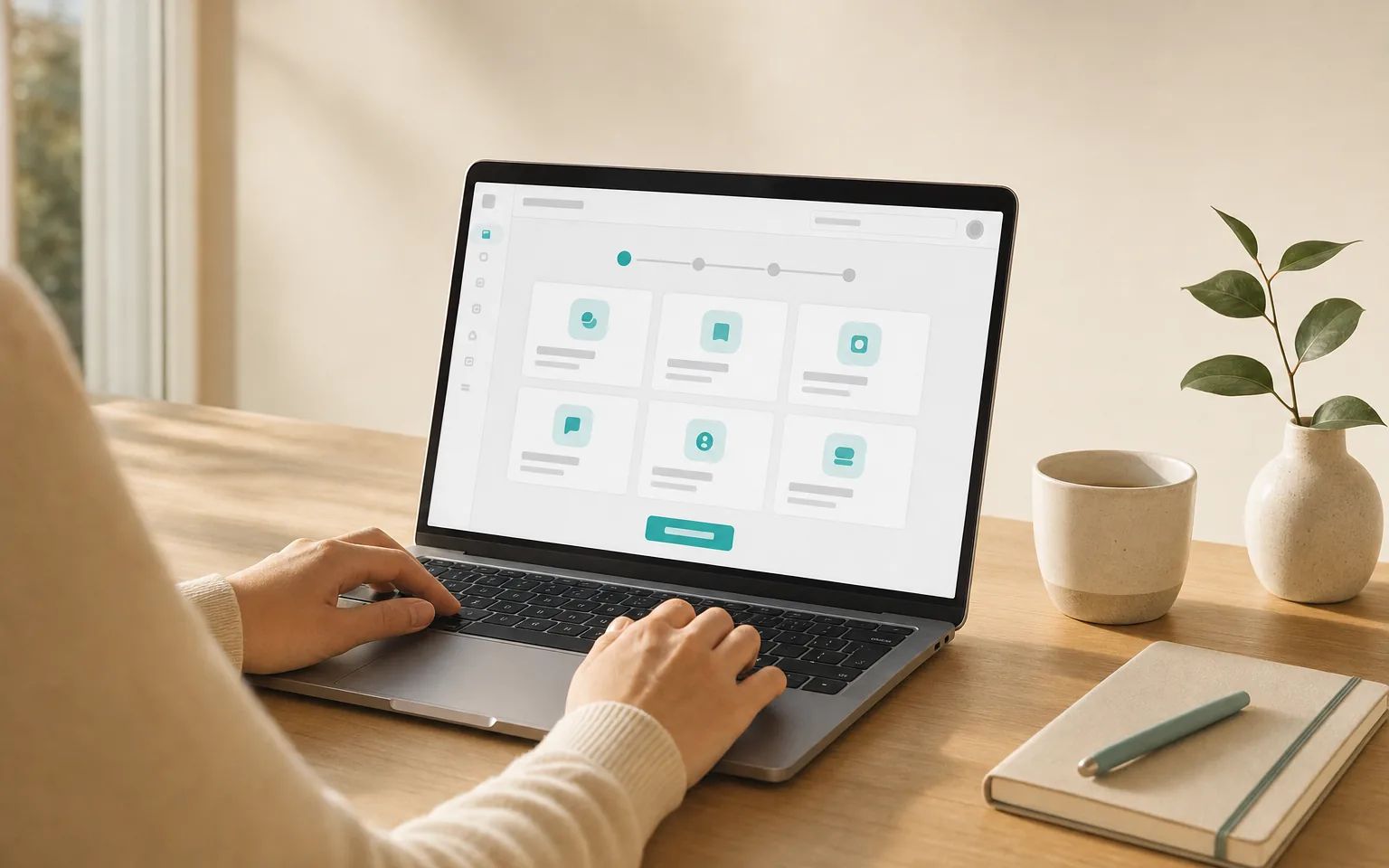
Create your queue
Pick the template that matches your service. Menu, options and prices go in once.
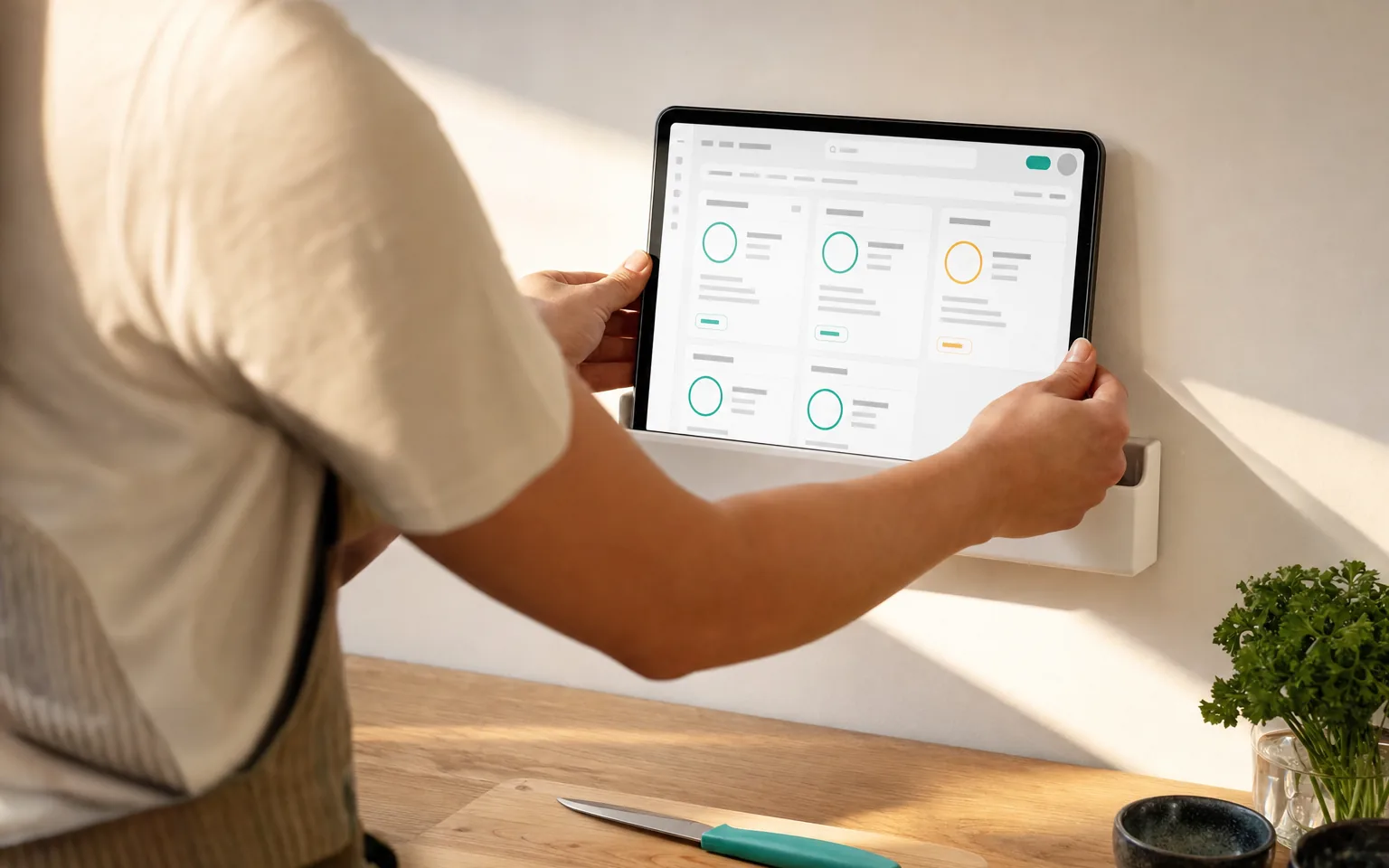
Mount the screen
Put the tablet where the line can see it and open the kitchen board. Guided Access on iPad keeps it there through a shift.
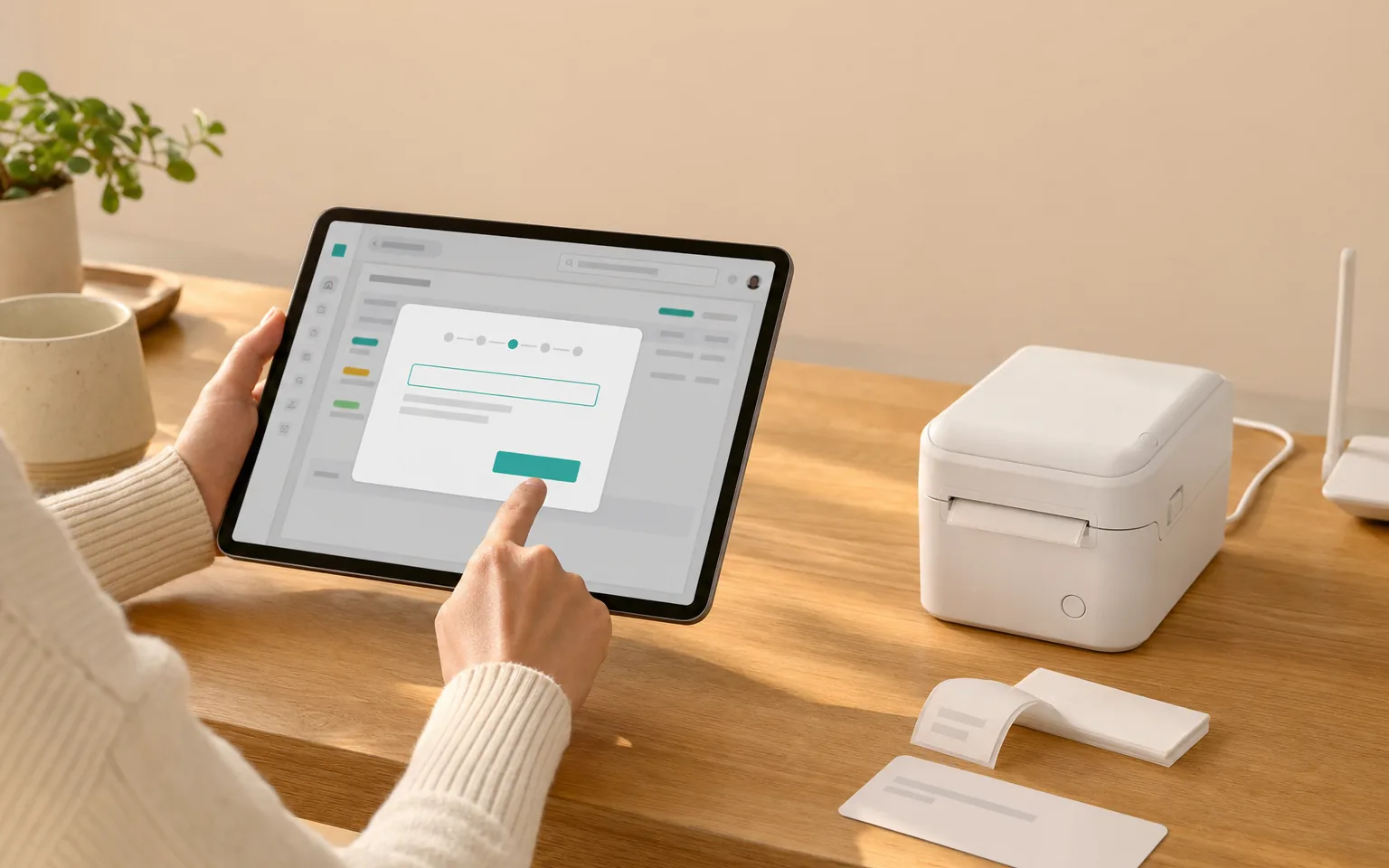
Turn on notifications
So a new order reaches a phone even when nobody is watching the screen. On iPhone, add the app to the home screen first — we say so in the flow.
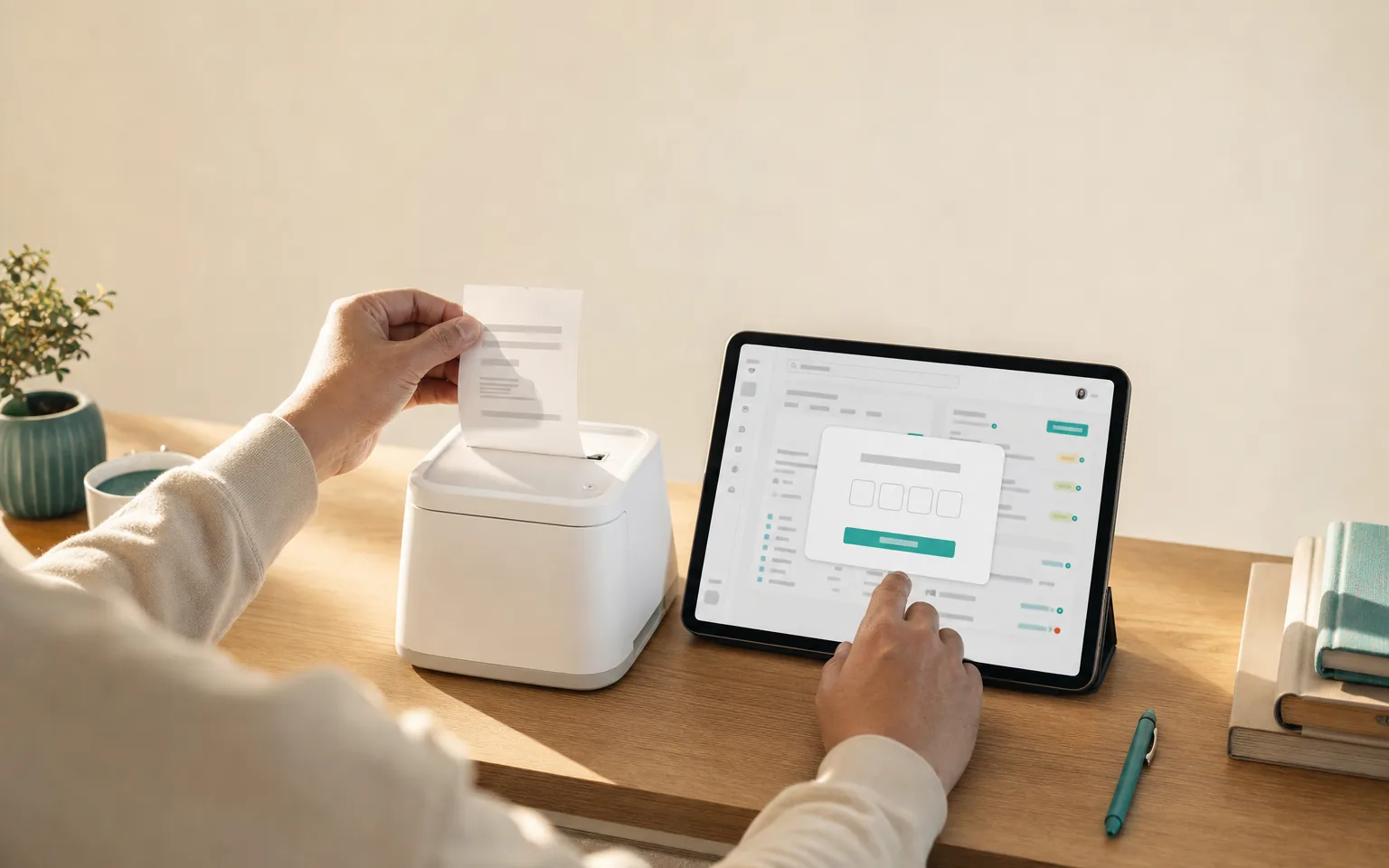
Place a test order
Order from your own menu and watch it land. Nothing to verify by paper here, because there is no paper.
Add a printer whenever you want one. The board keeps working exactly as it does now.
WORTH KNOWING
What a screen can't do
Paperless suits a lot of kitchens. Here is where it doesn't.
A dropped connection costs you a minute, not an order
If the network blips, the board catches up as soon as it returns and anything missed prints within about a minute. Nothing is lost — it simply arrives late, and staff notifications cover the gap.
GOOD TO KNOW
One ticket, one printer
A ticket carries the whole order on a single sheet. Sending drinks to a bar printer and food to the kitchen by item category is not something we do today. Venues that need it run a separate queue per station, at the cost of ordering twice.
Just a phone?
A market stand, a pop-up or a one-person kitchen can run the entire service from a phone. Orders arrive as notifications without any tab open, the board works in a mobile browser, and payment stays where it already is — your own card reader or cash. On iPhone, notifications need the app added to the home screen first, and we say so in the setup rather than letting you discover it mid-service.
See the phone-only story →Questions we actually get
Is a screen really enough?
For a lot of kitchens, yes. Cards are large, tickets carry an age timer, and anything sitting too long is flagged. Nothing is consumed and nothing runs out mid-service.
What if nobody is looking at the screen?
Staff notifications reach a phone without any tab open, so a new order is noticed even when the screen is not. On iPhone that needs the app added to the home screen first, which we say plainly in the setup.
Can we run the whole thing from a phone?
Yes, and some venues do. There is a section on this page for exactly that — no screen on the wall, no printer, just a phone in an apron pocket.
Can we add a printer later?
At any time. The screen keeps working exactly as it does; the printer becomes an additional station rather than a replacement.
Does the tablet have to stay awake?
Yes, with the board open and the screen on. Guided Access on iPad holds it there through a shift, the same way a card terminal stays on.
Run it on a screen
Free to start, nothing to buy, nothing to run out of. No card required.